Logging on to DSF Packager Using Keycloak
This section guides you to log on to the DSF Packager using Keycloak. To set up Keycloack server and client, refer Configuring Keycloak Client.
- In Temenos\jboss\standalone\deployments\dsf-iris-DEV.0.0-SNAPSHOT.war\WEB-INF\classes\dsf.properties, set the following properties and start the server.
dsf.jwt.protocol=httpdsf.jwt.host=localhostdsf.jwt.port=8180dsf.jwt.realm=DSFPackagerdsf.jwt.client.id=DSFClientdsf.jwt.principal.claim=DSFSondsf.jwt.grant.type=AUTHORIZATION_CODEdsf.jwt.redirect.url.host=localhostdsf.jwt.redirect.url.post=9089dsf.jwt.id.token.algorithm=RS256dsf.jwt.id.encrypt.algorithm=RS256dsf.packager.enable.jwtSupport=true
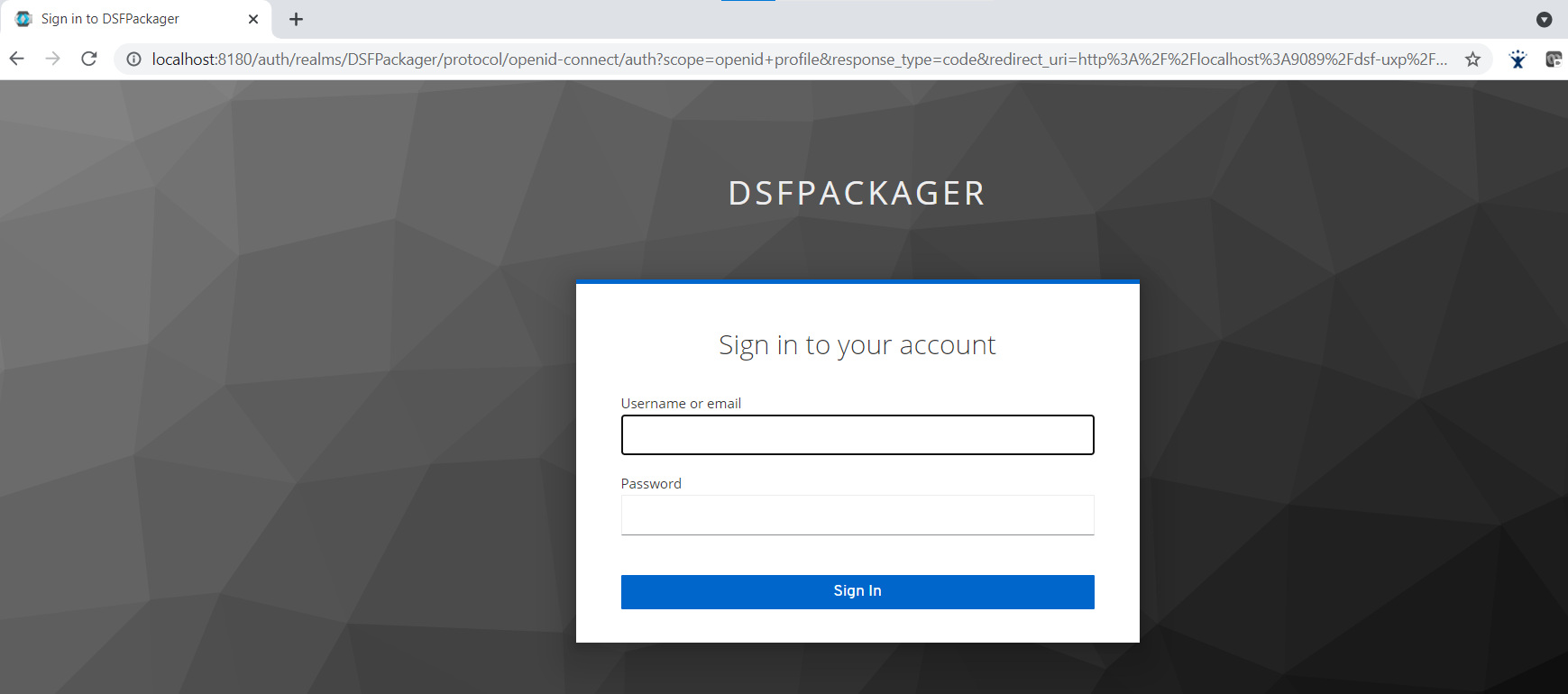
- Open http://localhost:9089/dsf-uxp/ in the web browser. Keycloak login page is displayed.
After providing valid credentials, Packager dashboard is displayed as shown below.
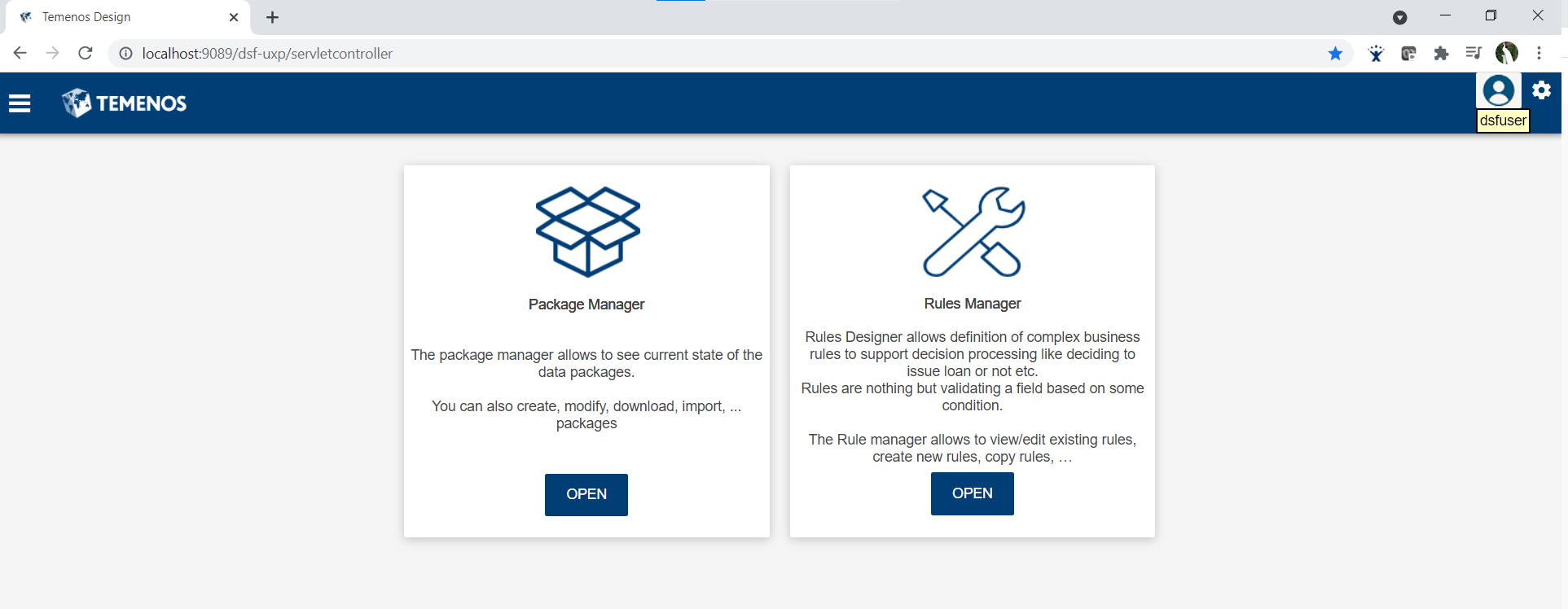
After logging on, Keycloak secures all the actions performed in any page.
Field Name
|
Application/Table name
In this topic