Installing Event Store Microservices in Docker
This section helps you to install the Event Store Microservice in Docker cloud.
Procedure:
- Install the latest version of Docker.
- Copy the zip file into the installation directory.
- Extract the zip file.
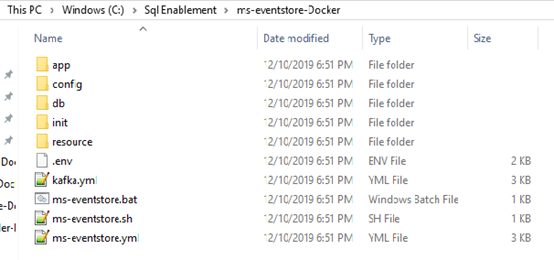
- Open the command prompt from the same location.
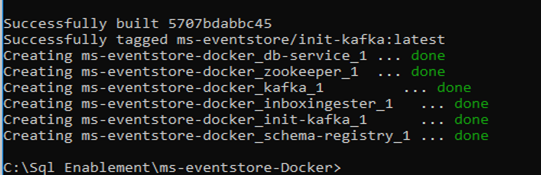
- Execute the below command, which creates an image and docker container for the image.
- For Windows: eventstore.bat up --build -d
- For Linux: eventstore.sh up --build -d

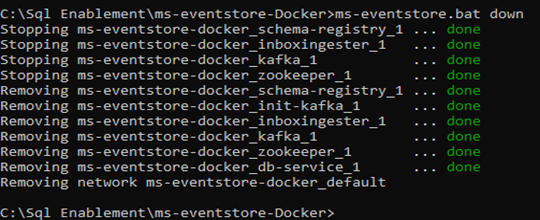
- Execute the below commands to stop and remove the existing container.
- For Windows: eventstore.bat down
- For Linux: eventstore.sh down
Field Name
|
Application/Table name
In this topic