Working with TAFJ Plugins
This section shows you how to make a full build (compiling all basic files in your TAFJ_HOME directories) using TAFJ plugins.
You can make a full build using the following procedure.
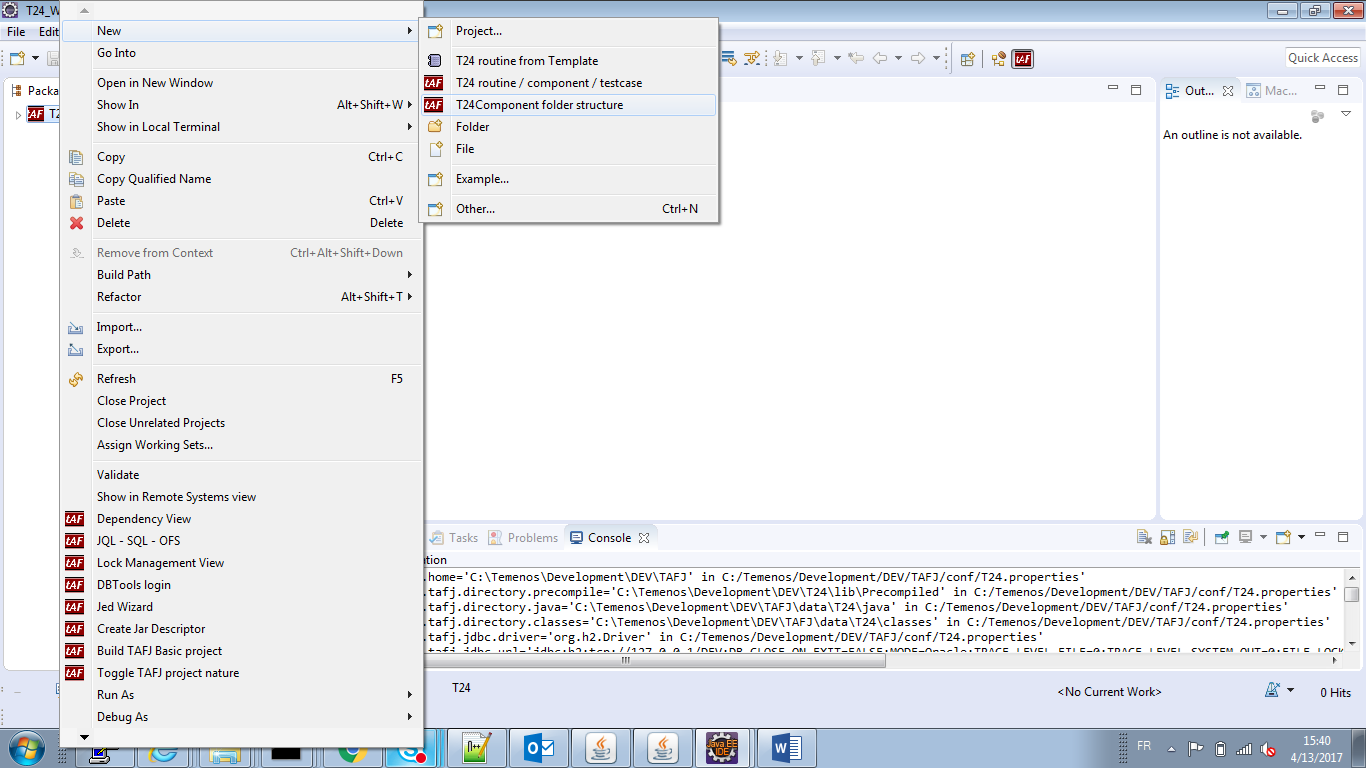
- Right-click the project > New > T24Component folder structure to add a basic folder.
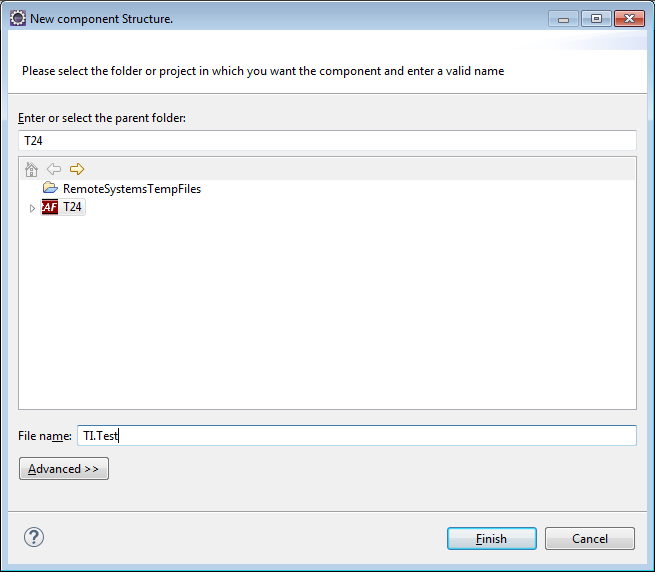
- In the New component Structure wizard, enter a component name in the File name field.
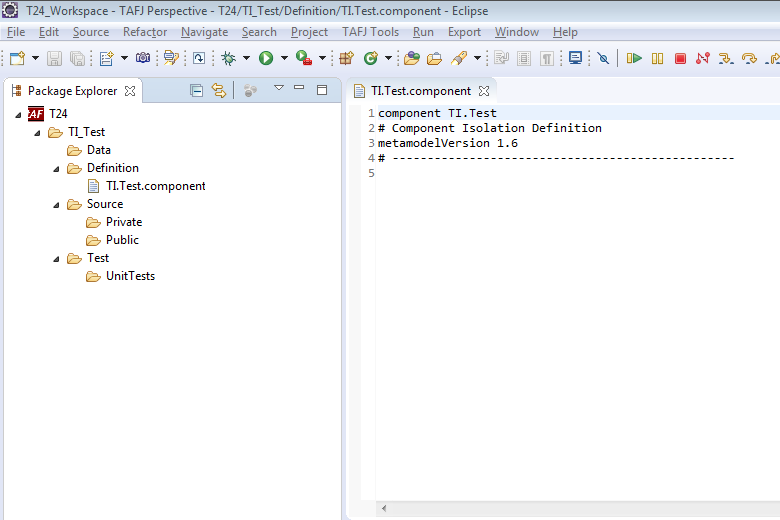
- Click Finish to create a new component folder as shown below.
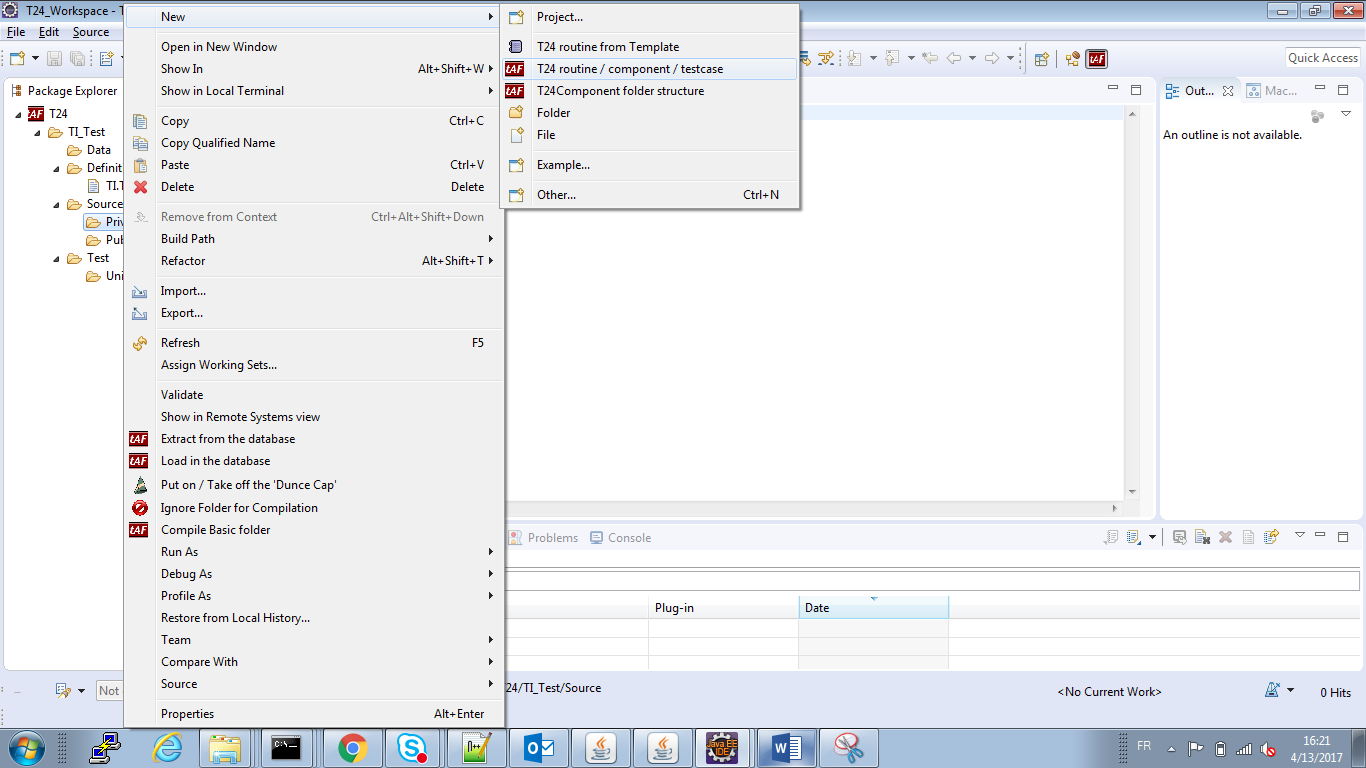
- Right-click the Private folder available in Source and click New > T24 routine / Component / Testcase. This will add subroutines or programs in the folder structure.
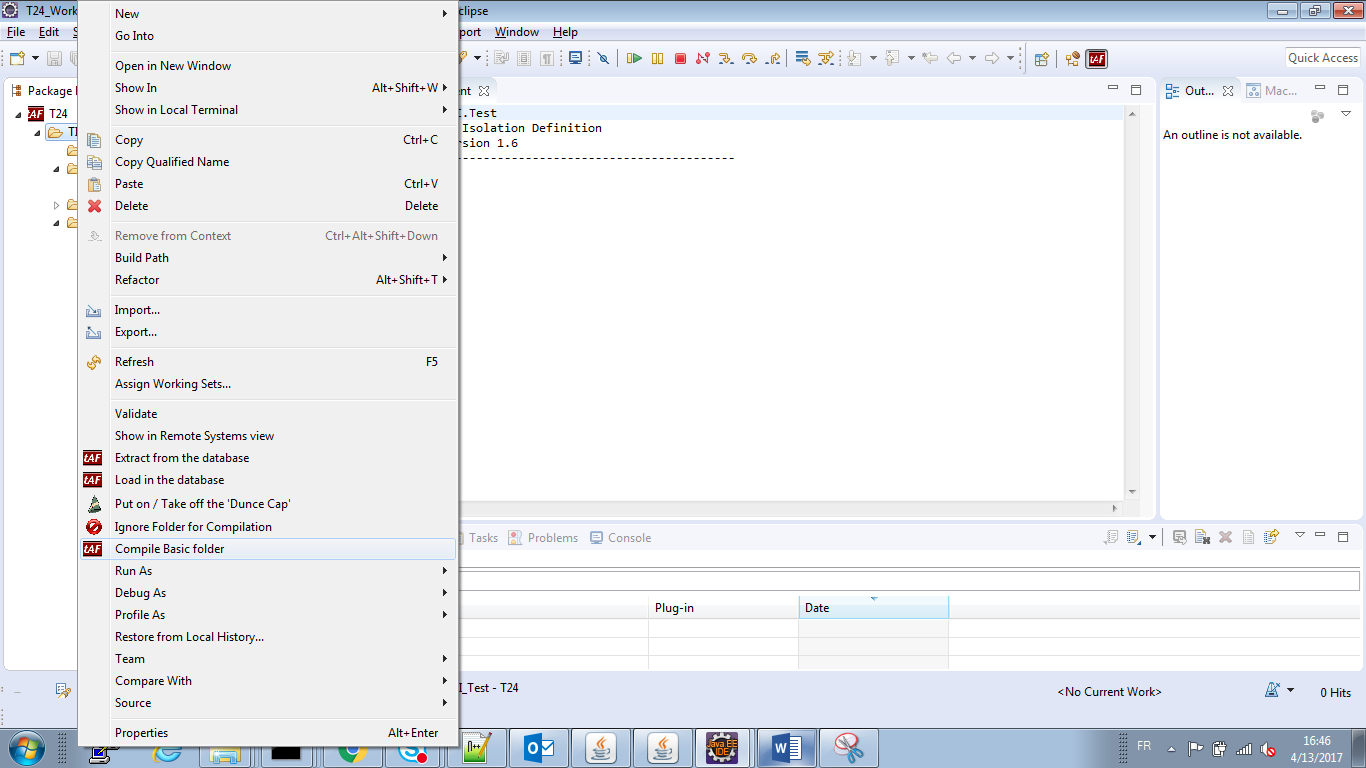
- Right-click the project and click Compile Basic Folder. This will build a basic folder.
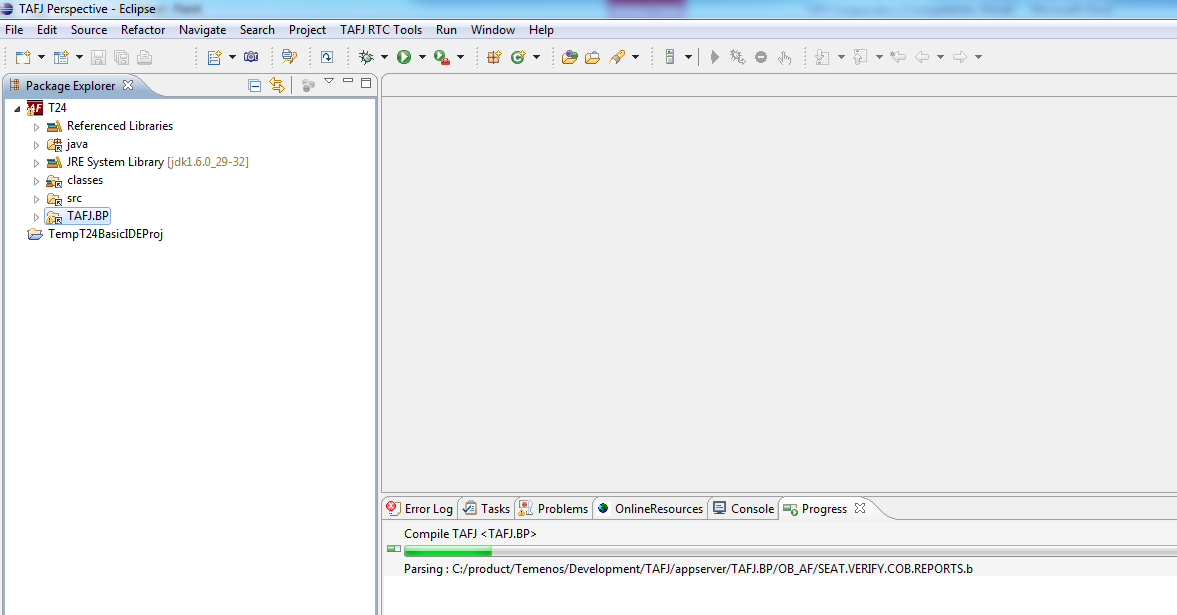
The build starts.
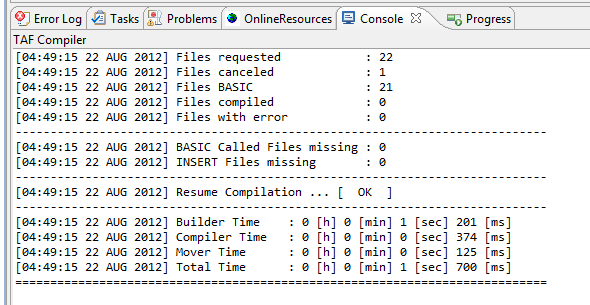
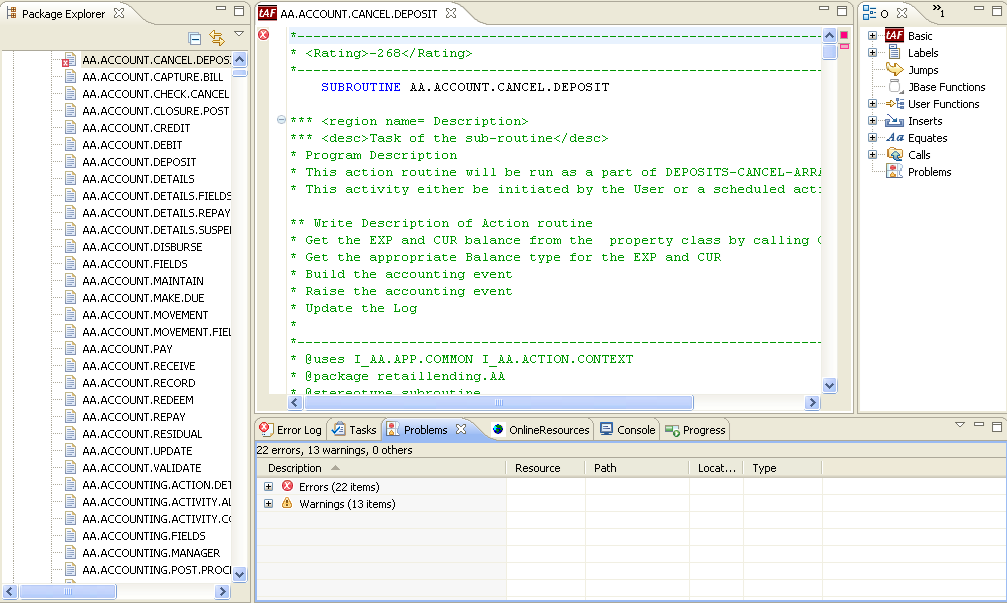
At the end of the process a report in the Console is displayed. The Problem tab shows you the details of the compilation.
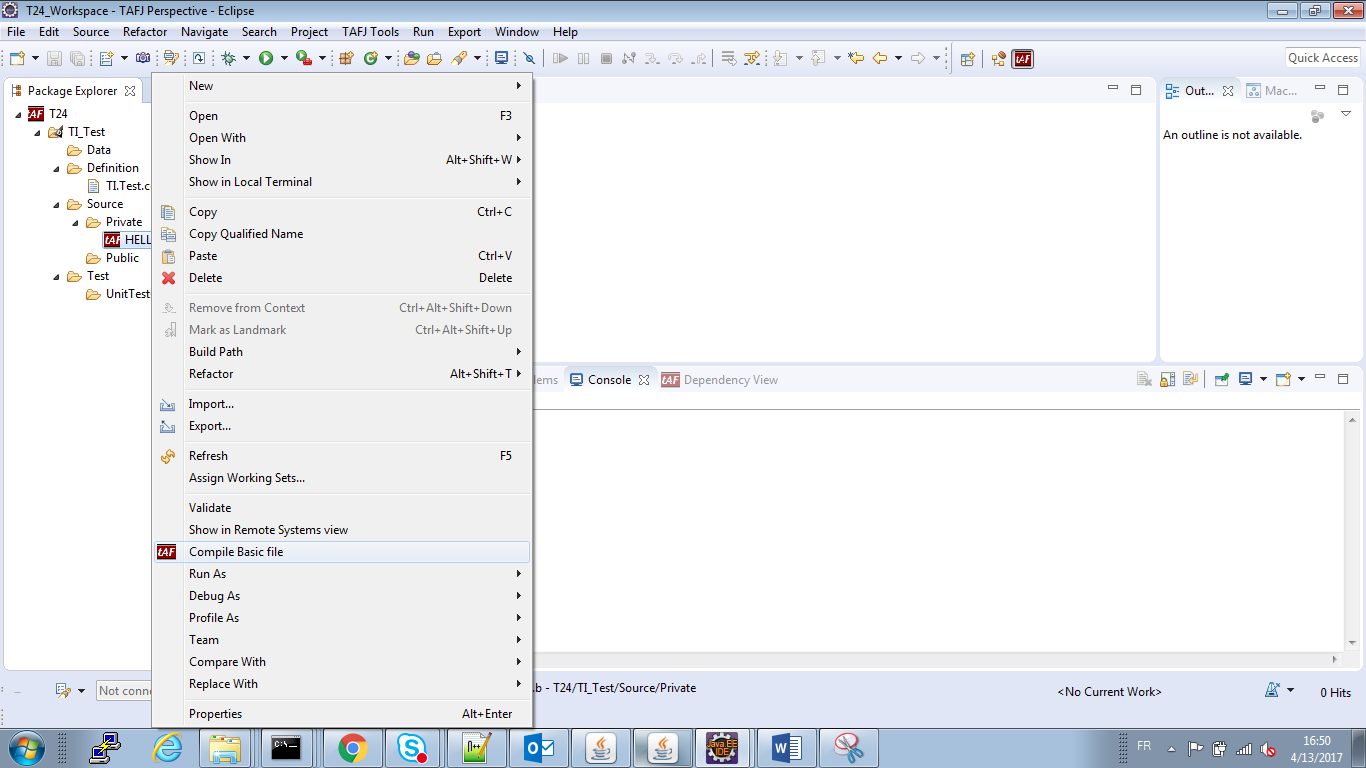
- Optional: Right-click the project and click Compile Basic File to build a basic file.
At the end of the process a report in the Console is displayed.
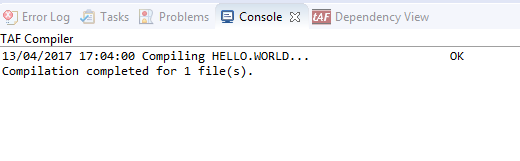
In case of errors, you can view the errors in the Problems tab. Double-clicking an error will open the basic file in the editor.
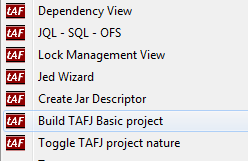
For a full build (compiling all basic files in your directories), you need to right-click the project and click Build TAFJ Basic project.
Field Name
|
Application/Table name
In this topic