Cleaning a Project
You can clean a project by deleting all Java and Class files using the following procedure.
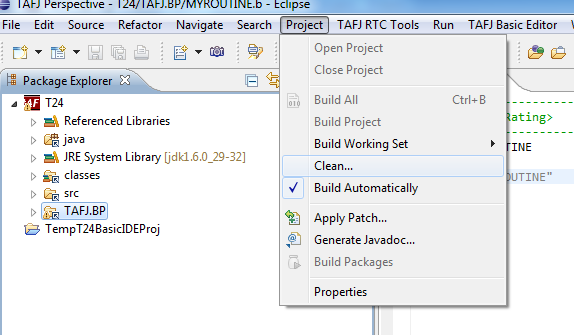
- From the menu, click Project > Clean....
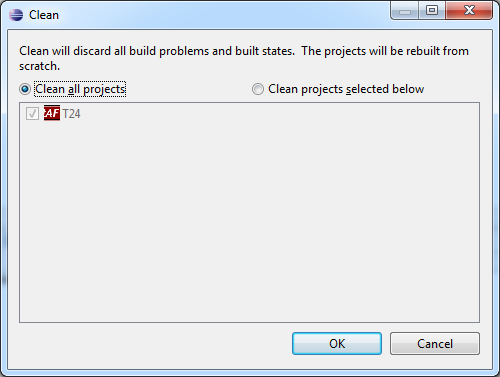
- In the Clean wizard, select an option to clean all projects or a specific project as shown below and click OK.
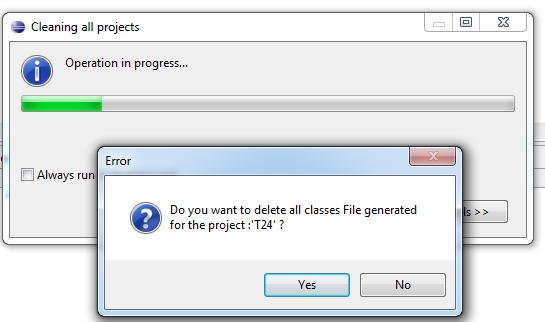
- Select Yes or No to delete all Class files generated in the project.
Field Name
|
Application/Table name
In this topic