Step 2: Upgrading a Module
This section shows you how to upgrade an individual module or a product from a major release to another release in TAFJ.
The Temenos Transact upgrade feature provides a facility of partial upgrade, which means you can perform upgrade at a module level. The module upgrade helps to:
- Install updates of both releases (selected modules at a different release and other modules at the main release level).
- Upgrade in future to any supported release.
To upgrade a module,
- Run the below command in DBTools to delete an old record in PGM.DATA.CONTROL.
DBtools -cf tafj.properties -log tmprelease.log TEMP-RELEASE C:\Temp_release\temp.release C:\LocalArea\201806\precompiled -bp C:\LocalArea\201806\Source
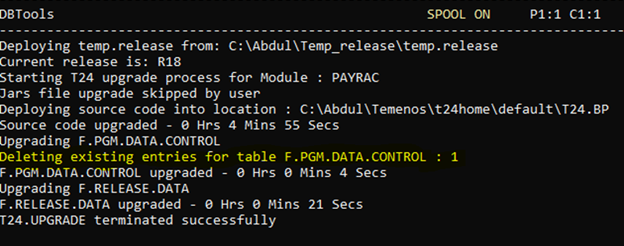
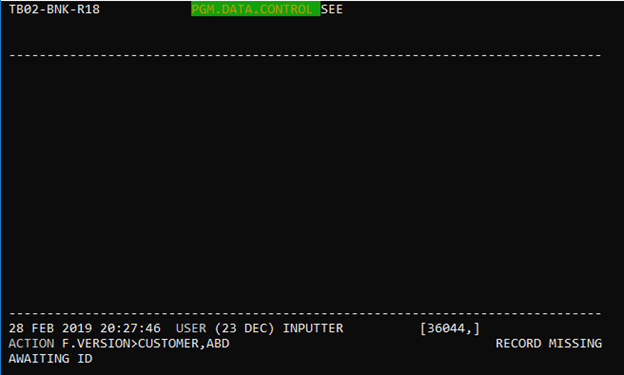
- Check whether the old record is deleted and then add the new records in PGM.DATA.CONTROL.
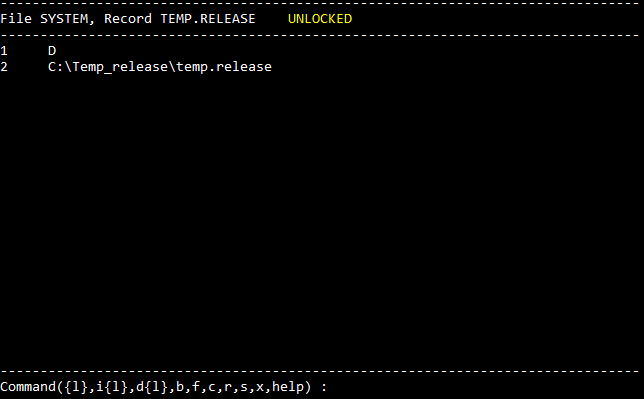
- Create a SYSTEM file in TEMP.RELEASE.
Field Name
|
Application/Table name
In this topic