Changing a Tenant Configuration by using Servlet
You can edit the tenant definition property set using tenant management servlet using the following procedure.
- Open the following URL:
http://xxxxx/TAFJConfiguration/tenant.xhtml
- Click the Edit tenant button corresponding to the tenant definition to be modified.

- Set the properties to their appropriate values and click Confirm.
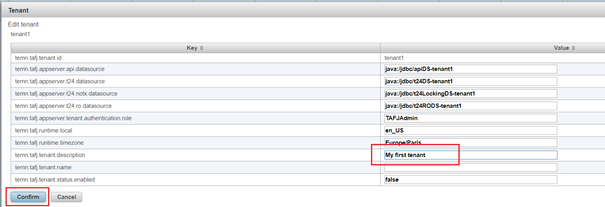
Properties are not updated yet even though the changes are visible in the table. Now, the tenant status is pending change and modifications can still be reverted.

- Optional: If you want to revert the modifications, then click the Reload tenants button.
- Click Save modifications.
- Click Yes to confirm the changes.
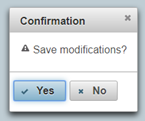
The properties are now updated.
 System must be restarted after configuration change, if it is already running.
Field Name
|
Application/Table name
In this topic