Adding a Tenant by using Servlet
You can add a tenant by using the tenant management servlet.
To add a tenant,
- Open the following URL to access the tenant management servlet:
http://xxxxx/TAFJConfiguration/tenant.xhtml

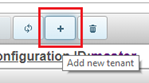
- Click Add new tenant to create a new tenant.
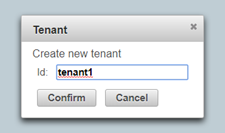
- Define the tenant ID in the Tenant dialog box and click Confirm. This property is immutable and used in all tenant management operations.
- Repeat the above steps for all tenants.No tenants and properties are created yet but the tenant ID can be seen in the tenant table. At this point, the status is pending change.
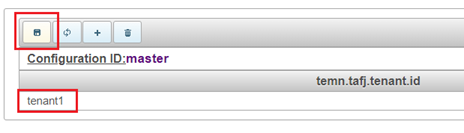
- Click Save modifications.
- Click Yes.
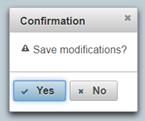
The tenant definition gets created by the configuration service with the default properties set described in the Tenant definition description section.
 System must be restarted after configuration change, if it is already running.
Field Name
|
Application/Table name
In this topic