Verifying the WebLogic Server Installation
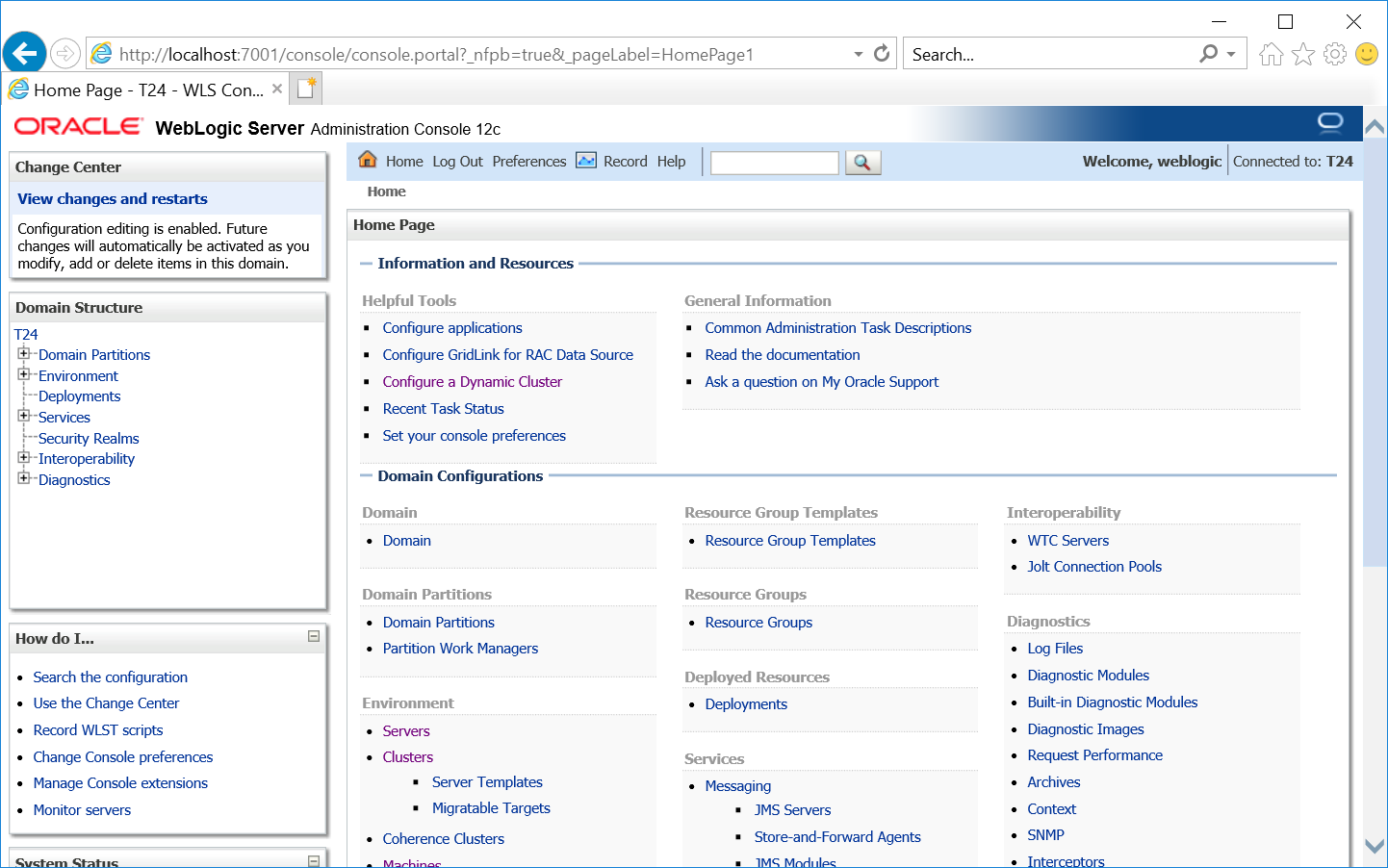
If your application server is successfully installed, you can login to the WebLogic Server (WLS) Administration Console using the following procedure.
- Login to the Administration console using the address http://localhost:7001/console.
- Specify Username as weblogic and Password.
- Click Login.

Field Name
|
Application/Table name
In this topic