Workbench Without Git
This section provides the steps to pack Transact models using Temenos Workbench.
Creating Package
To create a new package,
- Login as <<Role>> with valid credentials.
- Select Create New Package from the Select Package drop down to launch the Temenos Packager wired into Workbench.
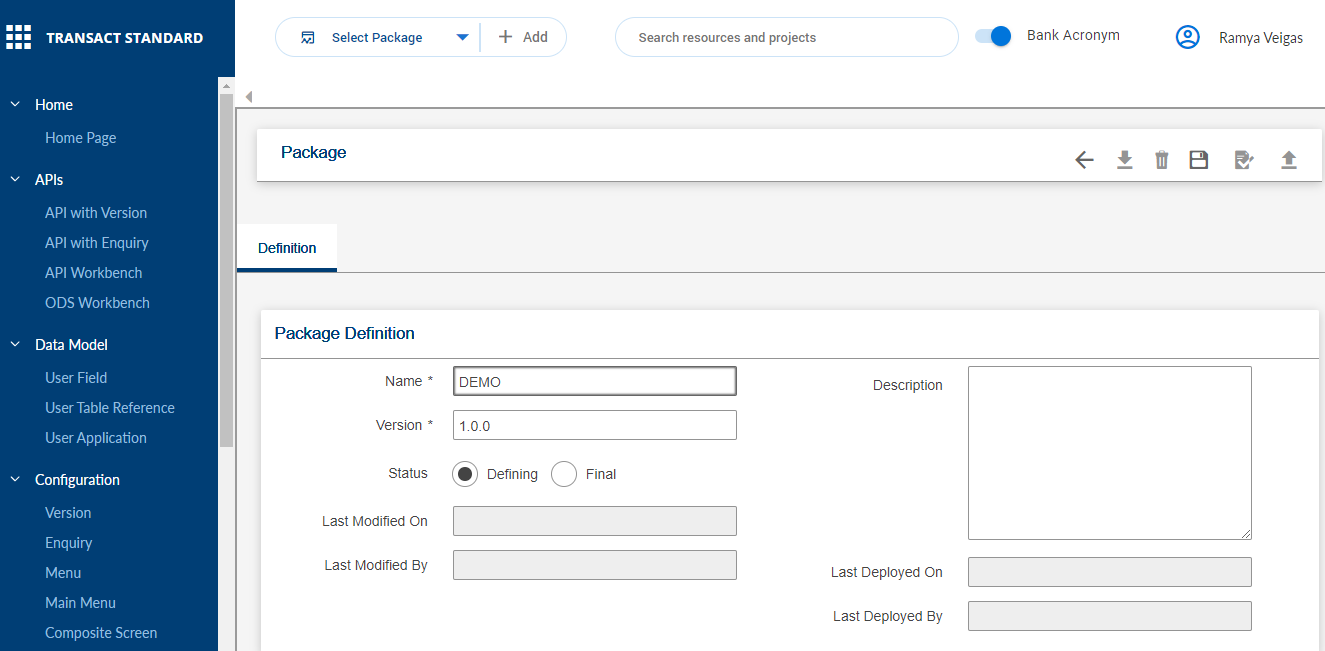
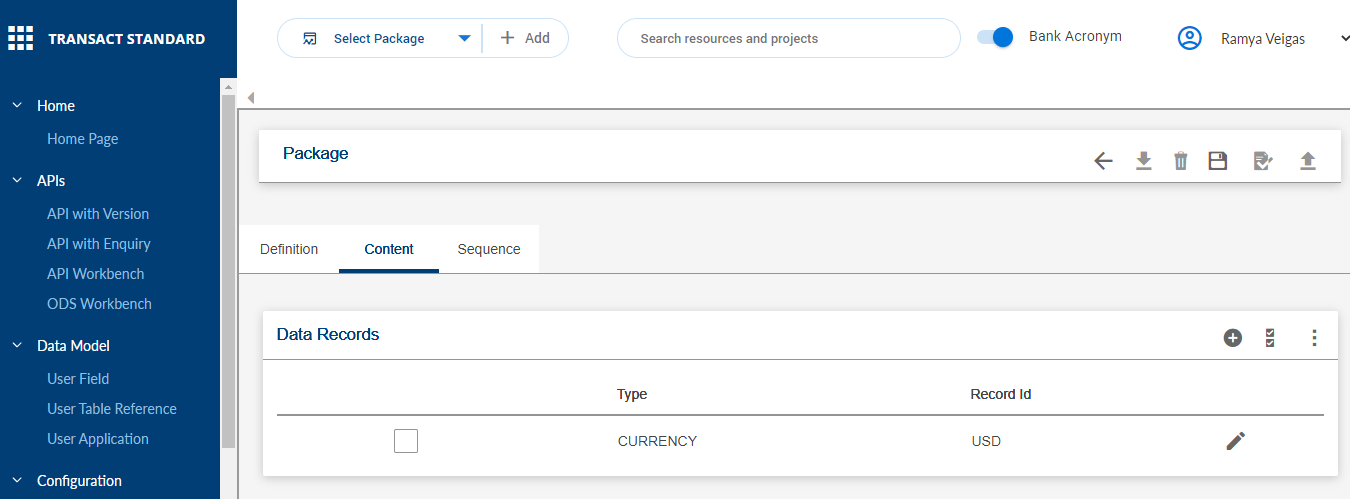
Editing Package
To edit an existing package,
- Login as <<Role>> with valid credentials.
- Select the
 icon against the required package from the Select Package drop down to launch the Temenos Packager.
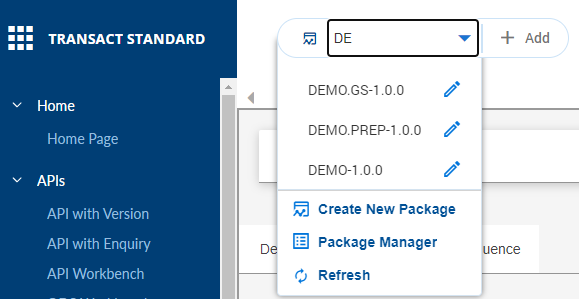
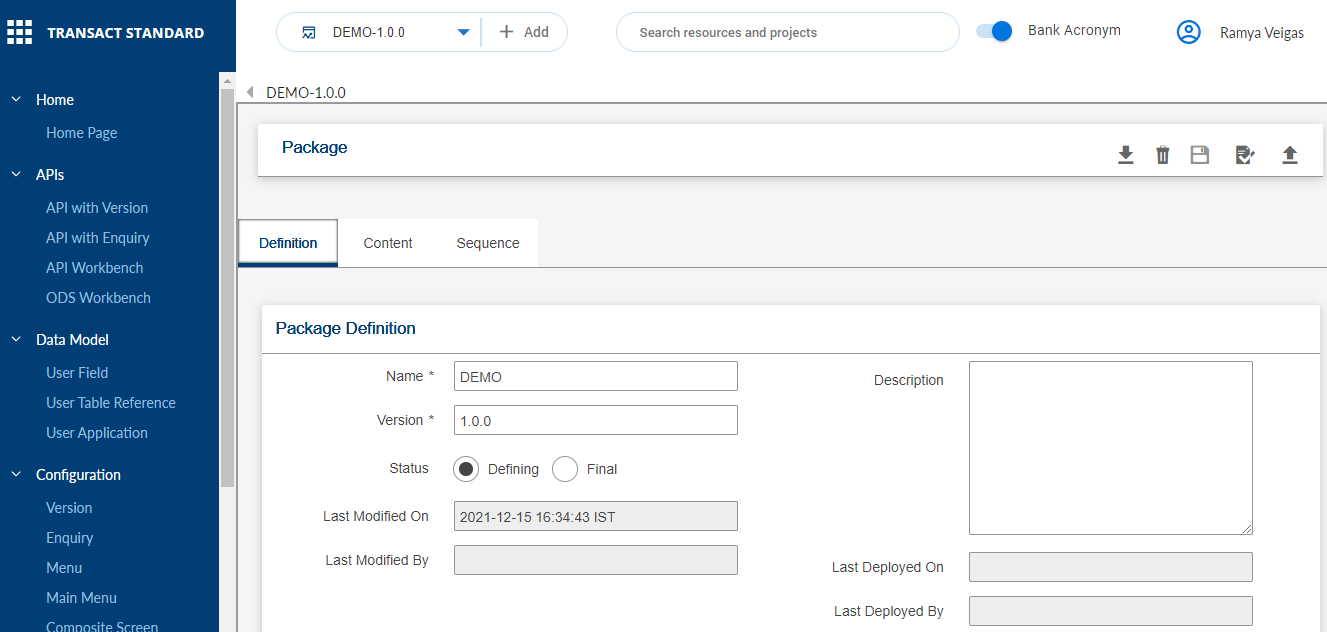 You can click Refresh from the Select Package drop down to refresh the entries in the list.
Adding Record to Package
To add a new record to a package,
- Login as <<Role>> with valid credentials.
- Select a package from the Select Package drop down to which record(s) must be added.
- Click
 to add records to the package.
Field Name
|
Application/Table name
In this topic