Setting up the Keycloak Server
This section guides you to set up the Keycloak server.
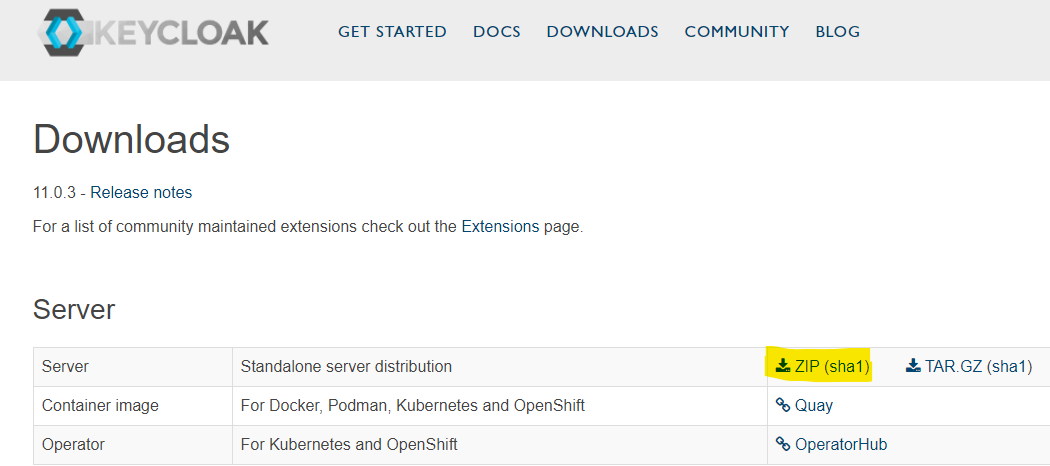
- Download and install the latest Keycloack.
- In \keycloak-11.0.3\standalone\configuration\standalone.xml, change the highlighted ports to avoid clash with existing fabric and jboss port.

- Run the
standalone.batfile from the <Keycloak_Installation_Folder>\bin folder to start the jboss server. In http://localhost:8180/auth/, Keycloak runs on 8180 port.
Field Name
|
Application/Table name
In this topic