Advanced Validations
This feature ensures that at design, build and deployment time we guarantee the integrity and consistency of the system. Typically, you must not allow to have an invalid record or the same record in two different packages.
Design level validations (UI)
- The Content or Sequence tab is hidden and will be displayed only if all the mandatory fields in the Definition tab are filled in.
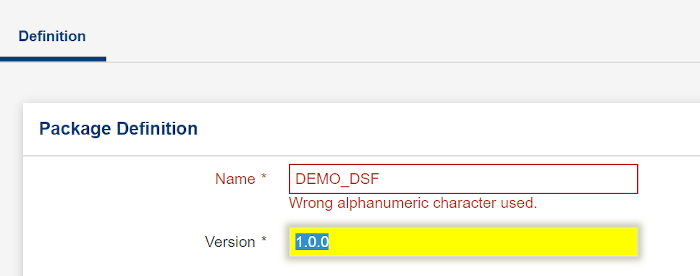
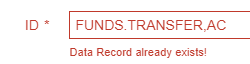
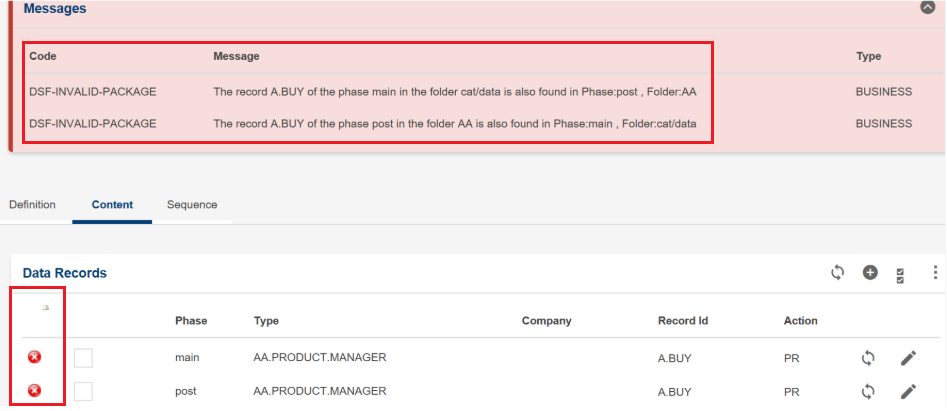
- Duplicate records in the same package, folder or different folder, with and without company are not allowed.
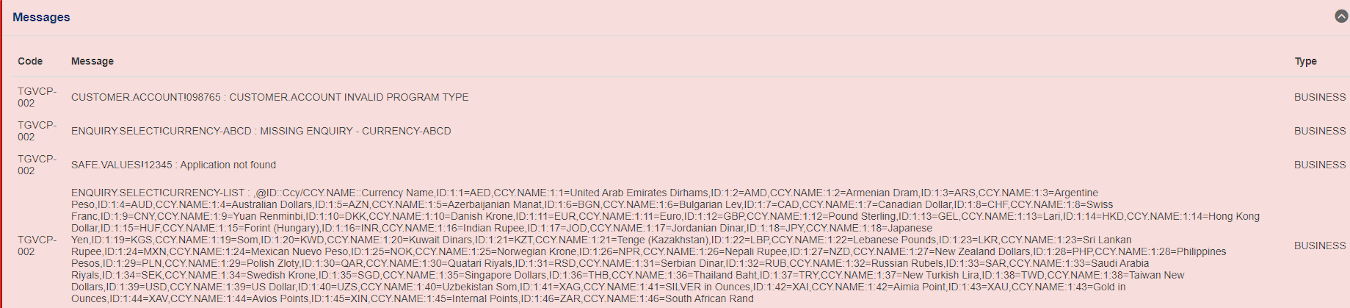
- Validation messages should be clear to the end user. In general, you must not interpret Temenos Transact validations and name them differently.
-
A new, sortable column for errors has been introduced in Content tab for any duplicate records that are present in the package. This column is visible in both Web and IDE mode and is the first column in the table. It is visible only if there are any duplicate errors; if no errors have occurred, it is hidden.
- Detailed errors, including row and column numbers, are thrown on invalid CSV imports.
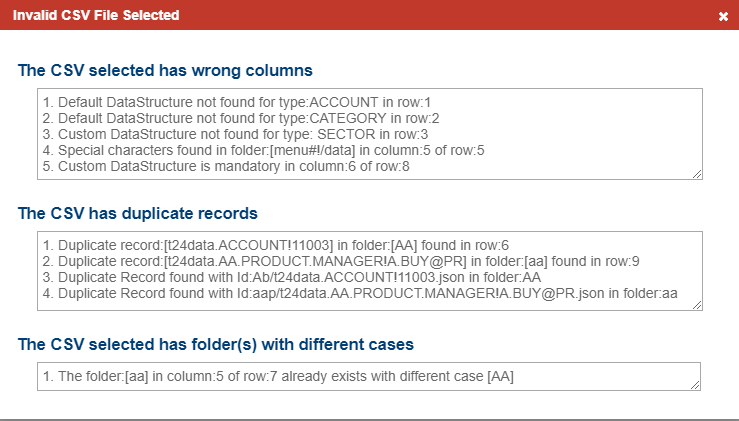
- A copy of existing package with the same version displays an inline error message suggesting the next available version in Temenos Transact.

Build, API or CLI level validations
The same errors as those displayed in the Data Packager user interface are thrown during package deployment through CLI or API.
Deploy level validations
- Deployment of the same package with a different version is allowed.
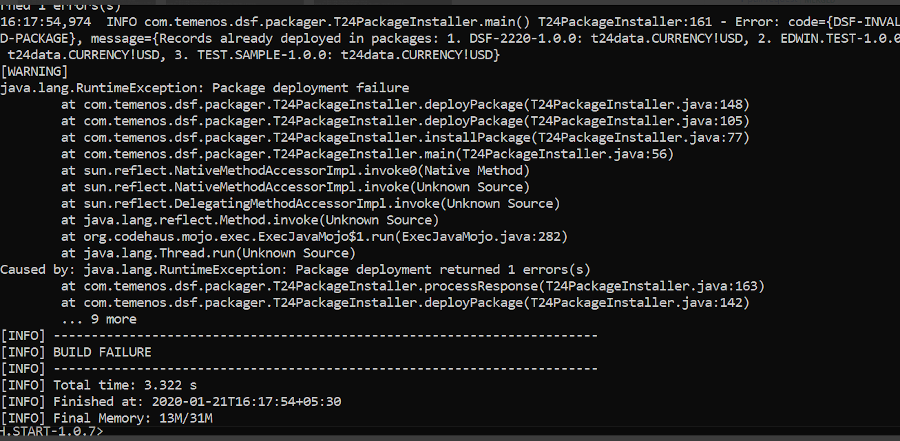
- Deployment of a package will fail, if any data record in it is a duplicate of any previous successfully deployed packages.
- An error message similar to the one below will be displayed on the Validation panel of the product user interface:

- In CLI, the build will fail and display the following message:
Enabling Duplicate Checks
You can enable (or disable) duplicate checks in headless deployment or CLI mode using the disableDuplicateChecks system property.
For disabling duplicate record check during deployment: -Ddsf.disableDuplicateChecks=Yes
By default, it should be disabled.
Field Name
|
Application/Table name
In this topic