Python Script
This feature allows user to extend the framework to have customized validations as per their needs. This allows the user to store it as part of separate python hooks rather than making the change to the core framework. Validations can be performed both in request and response payloads.
Refer Supporting Python Script to know more about Python Script.
Creating and Editing Python Script
This section details about creating and editing Python Script.
Creating Python Script
To create a Python Script,
- Navigate to APIs > Python Script, on the left pane of the dashboard.
- Click Add Extension button on the Search page.
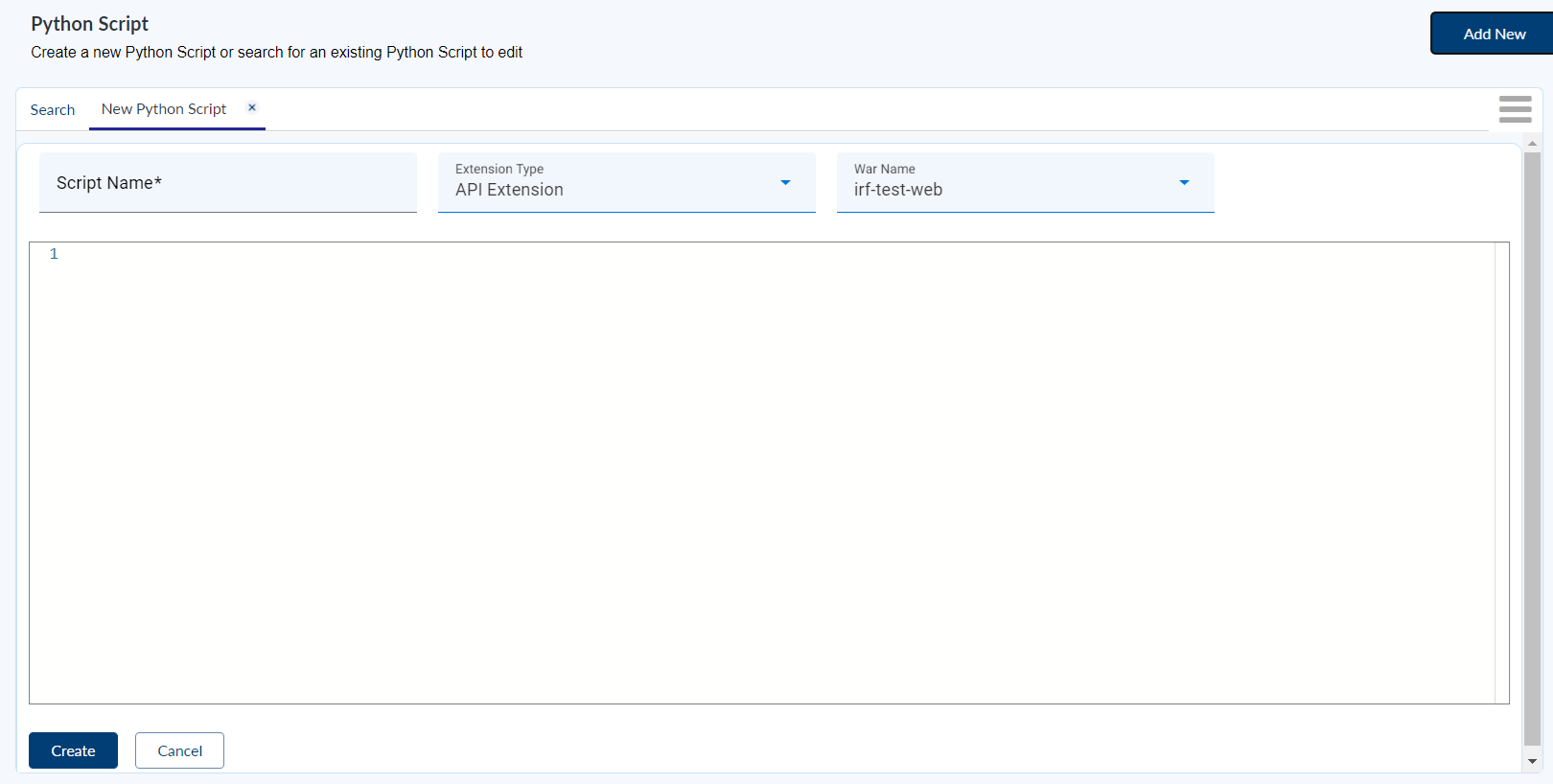
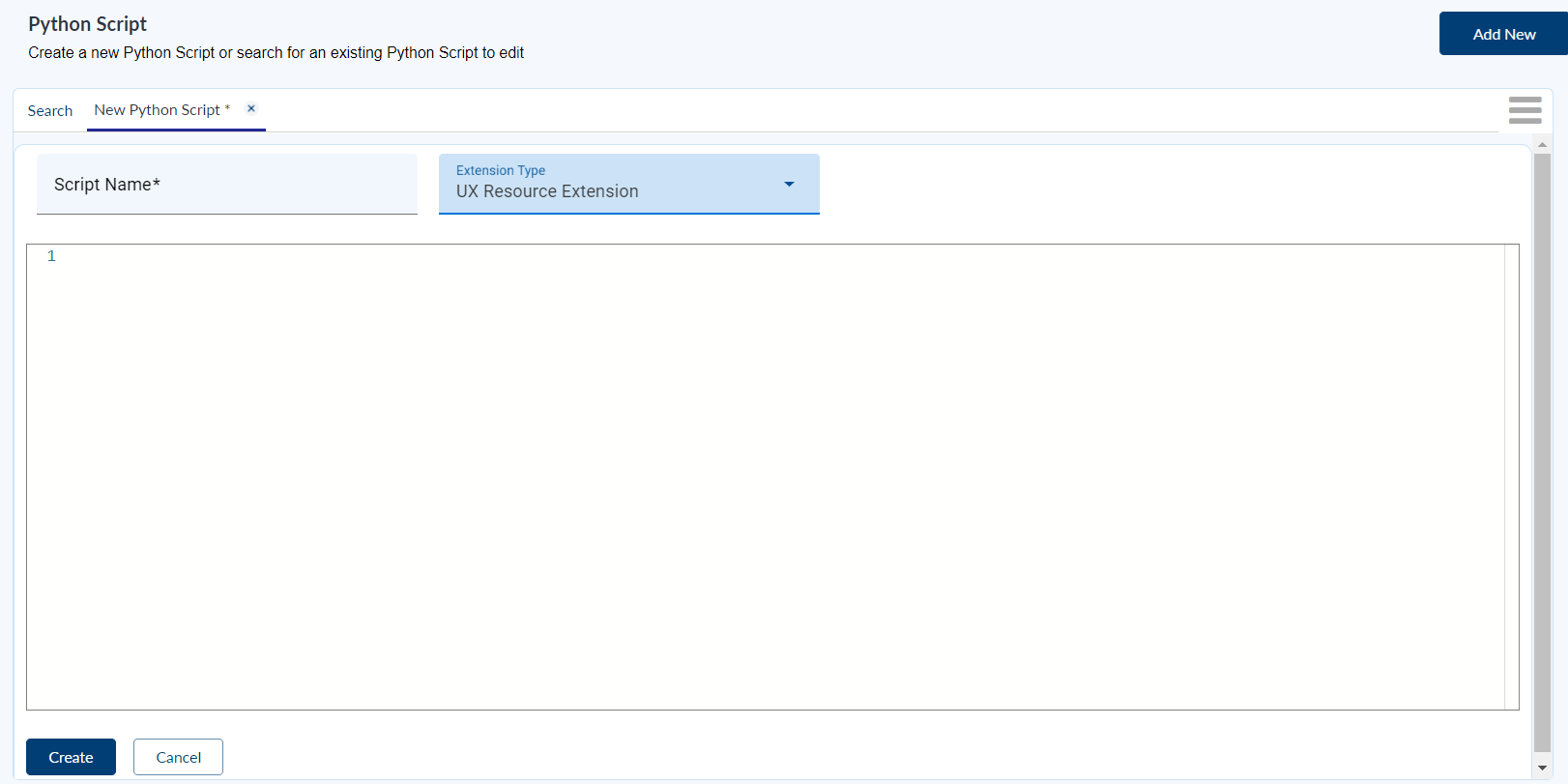
- Enter the following details in the New Python Script screen.
| Field | Action |
|---|---|
| Script Name | This is a mandatory field. Enter a relevant Python Script name. |
| Extension Type | Dropdown, select API Extension or UX Resource Extension |
| War Name | Content assisted; list of registered IRIS wars stored in config service. |
- Enter the mandatory fields and the Python Script in the editor.
- Click on Create button to create and store the Python Script in Generic Configuration Microservice .
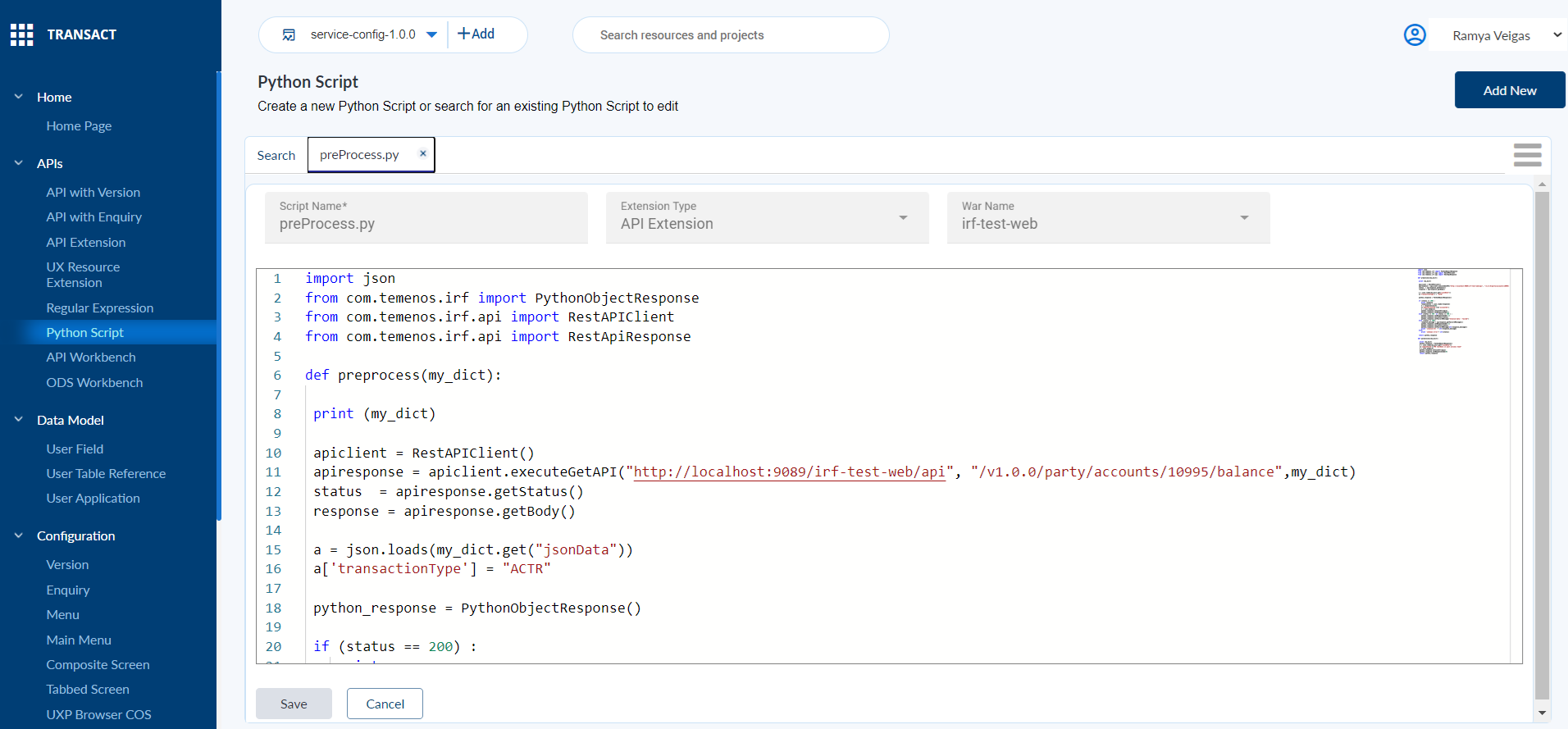
Python script for Extension Type: API Extension
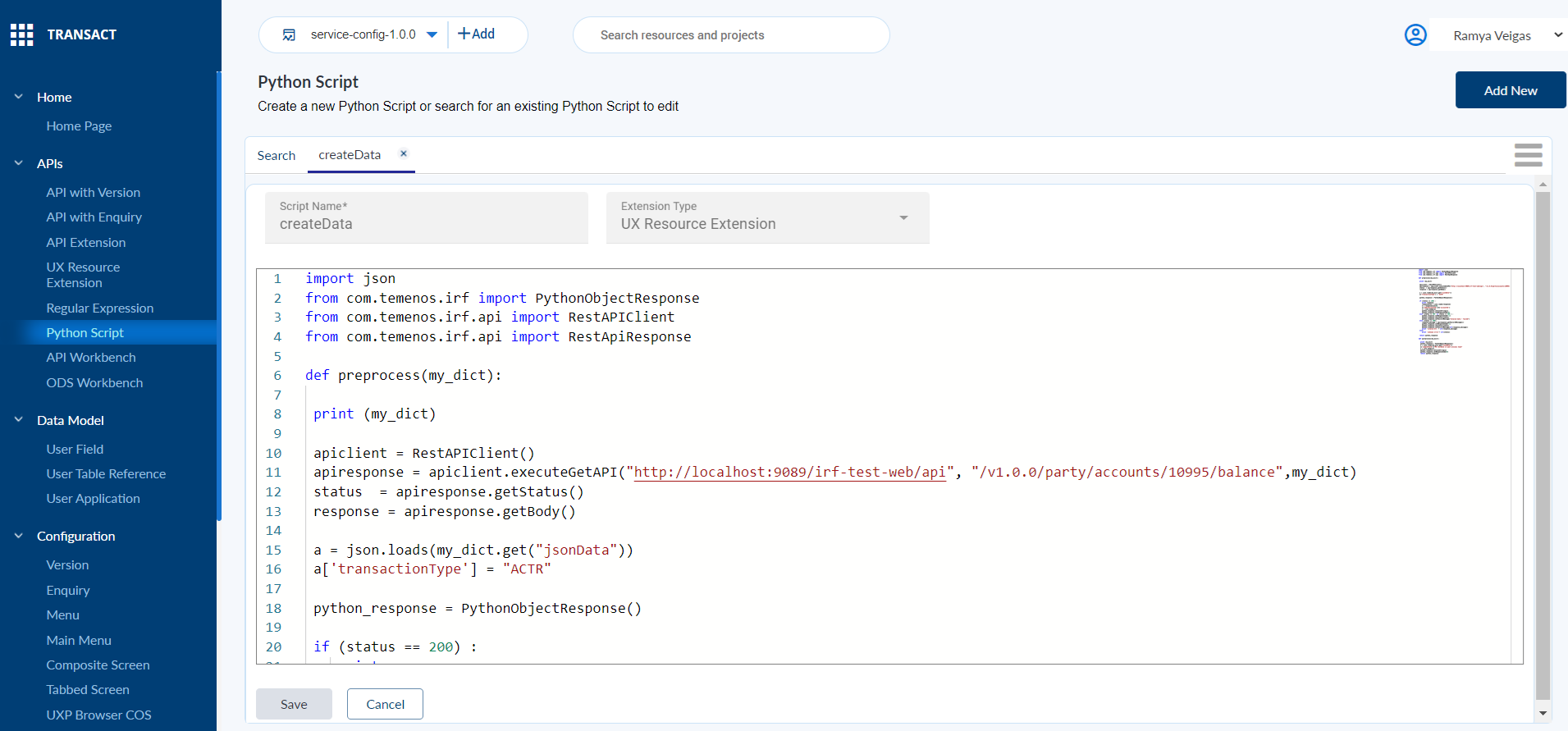
Python Script for Extension Type: UX Resource Extension
Editing Python Script
To edit an existing Python Script,
- Log in to Transact Standard and navigate to APIs > Python Script, on the left pane of the dashboard.
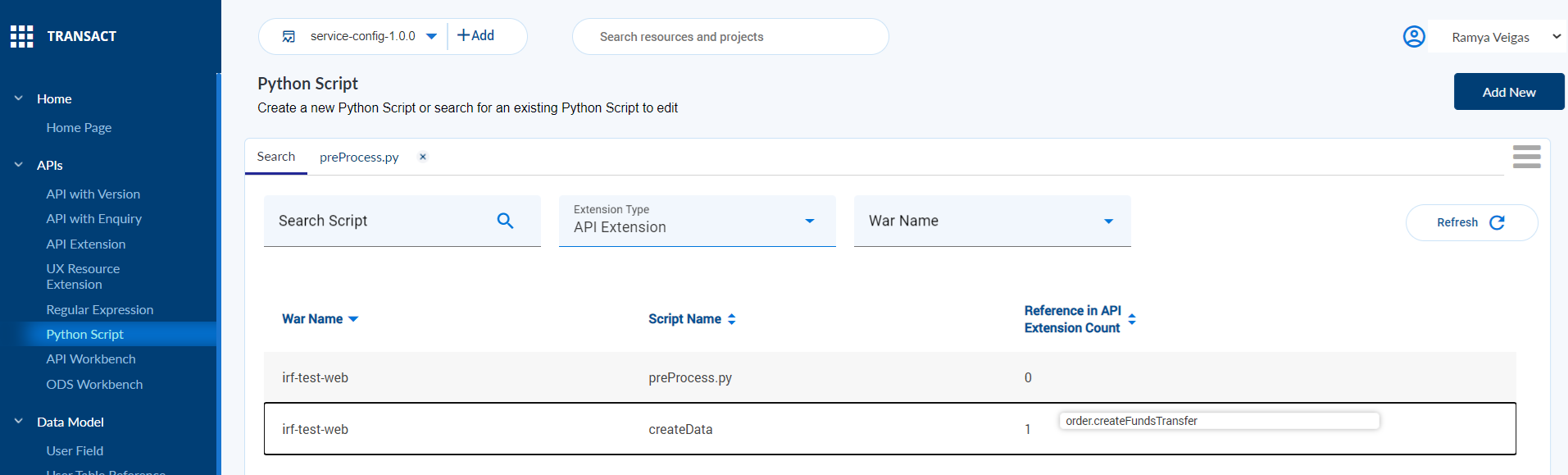
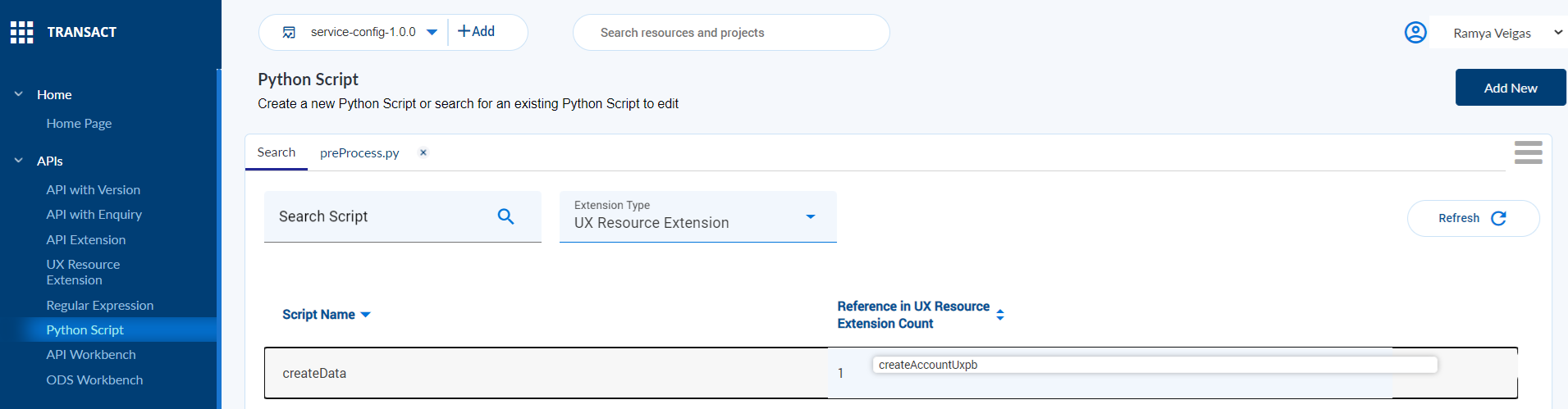
- Search for the Script name to edit the validation configurations.
- War name dropdown is displayed for API Extension type, whereas it is hidden for UX Resource Extension type.
Search and Edit Python script for API Extension Type
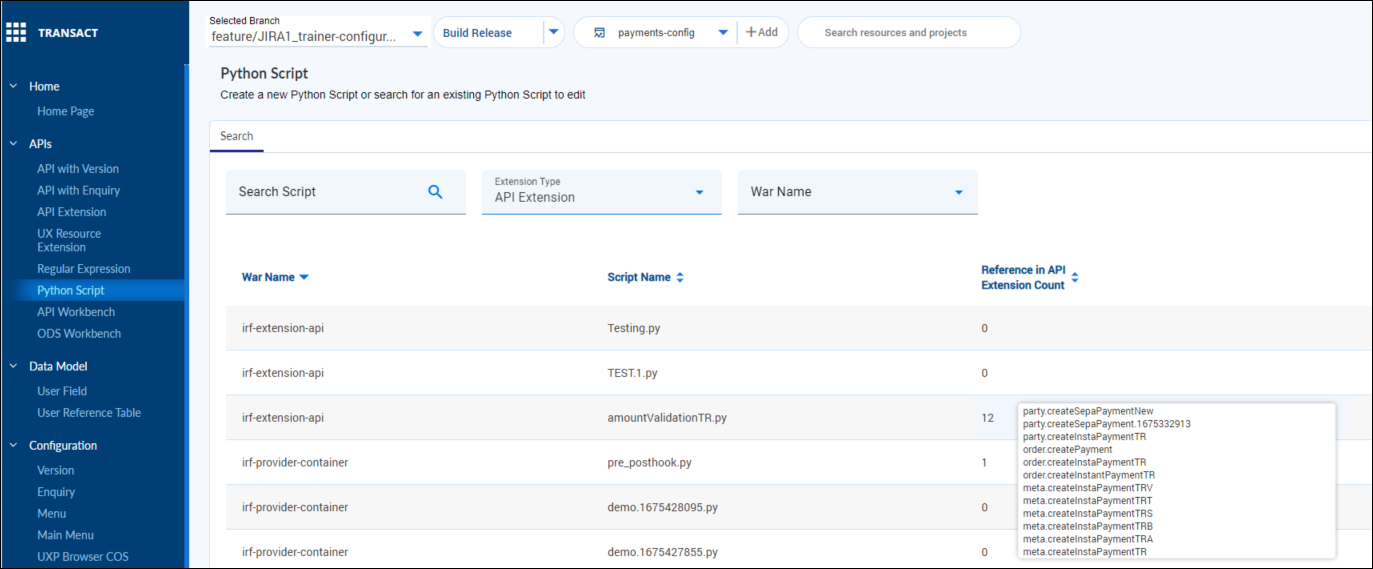
Search and Edit Python script for UX Resource Extension Type
In this topic