Initiating Temenos Transact upgrade
This step enables online upgrade mode and helps you to view the different stages of online upgrade process.
Procedure
- Login to Temenos Transact.
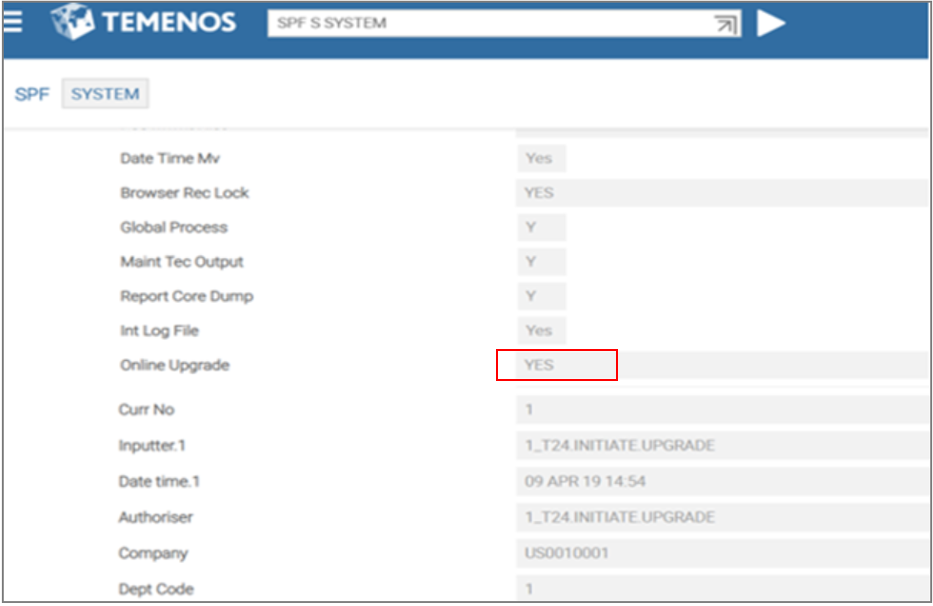
- Use the command SPF S SYSTEM to open the SPF system record.
- Change the Online Upgrade field value to YES.
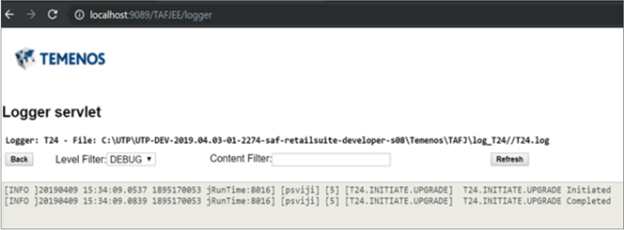
- Open the "Logger servlet" logger to monitor the T24.INITIATE.UPGRADE.log file status.
- To install Temenos Transact updates as part of this online upgrade, run the updater.bat file from the TAFJ_HOME directory. The updater.bat file has the following features:
- Unzips the Temenos Transact jars into the updates folder.
- Updates data items referenced in &SAVEDLISTS& with id format REL.releaseno.(updates) files.
- Copies the T24.UPDATE.RELEASE record from the Temenos Transact updates pack into the T24.UPDATE.RELEASE application.
The updater.bat file refers to the online upgrade mode (ONLINE.UPGRADE=YES). It proceeds to release Temenos Transact updates pack of upgrading release i.e. higher than current release (i.e. R18 in this example).
Field Name
|
Application/Table name
In this topic