Matrix Tax Server Interface Installation Guide
This document aims at explaining the installation procedures required to install the ILMATX Matrix Tax Server XML to the position based text file conversion.
The scope of the document is to cover the deployment of the package contents of the MatrixTaxEngineOutgoing.zip file.
System Requirements
The following are the pre-requisites for installing this package:
- Jdk 11.
- Temenos Transact area configured with the ILMATX components.
General Considerations
The following general considerations are available for the ILMATX_MatrixTaxEngineOutgoing.zip file.
- Extract the .zip file.
- In the start.cmd file, set the following details.
- JAVA_HOME variable: points to java jdk location.C:\java\jdk11\jre.
- INFILEPATH: path of the input file.
- OUTFILEPATH: path of the output file in case of error.
- XSLPATH: path of the XSLT files.
- JAVA_HOME variable: points to java jdk location.
- If the above values are not set, then the following values will be defaulted.
- INFILEPATH = D:\\Matrix\\Input.
- OUTFILEPATH = D:\\Matrix\\Output.
- XSLPATH = <Current_Dir>\\xsl\\.
Contents of the Package
The package contains the ILMATX_MatrixTaxEngineOutgoing.zip component.
Deployment Steps
Follow the steps below to deploy the package.
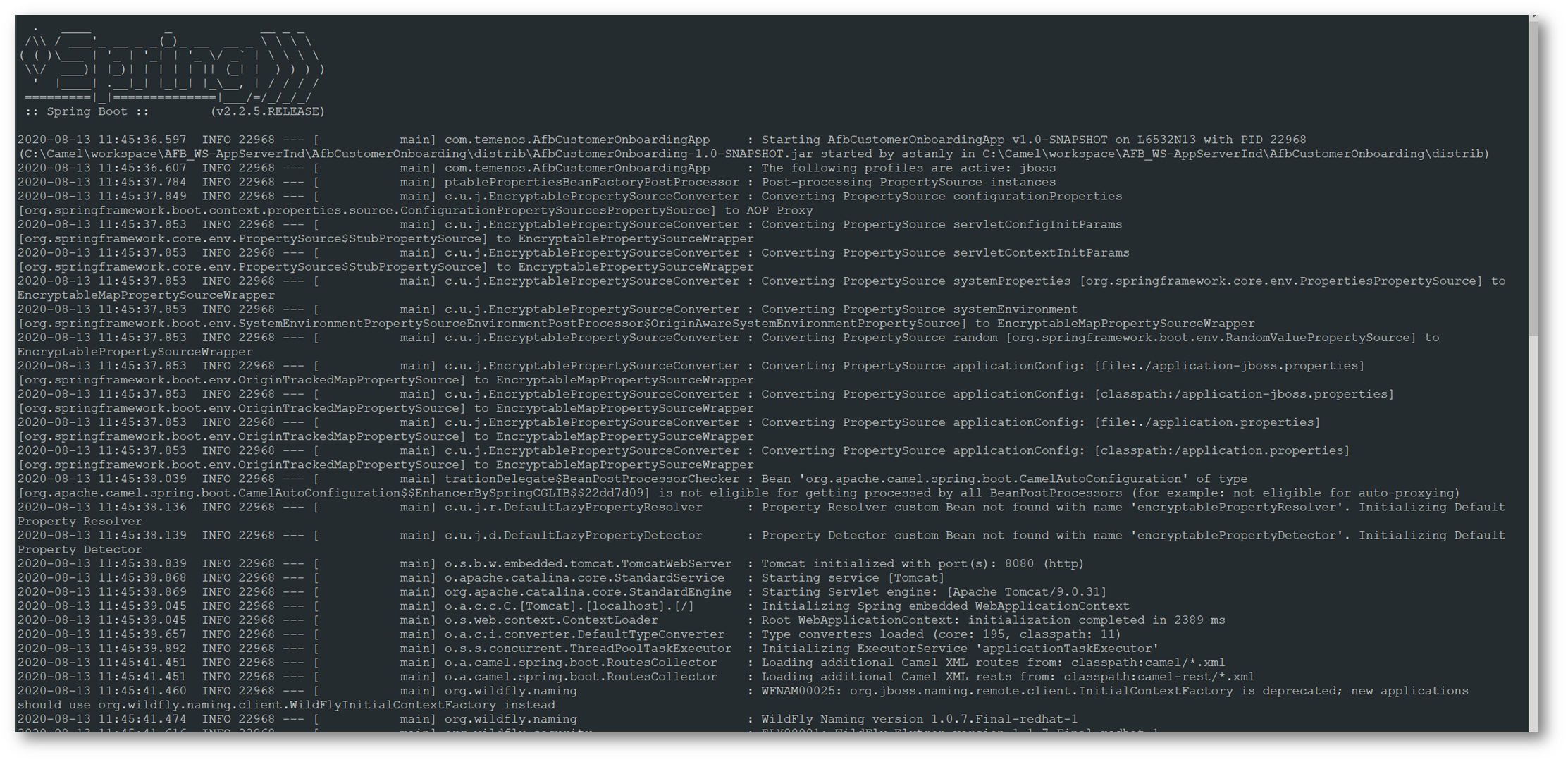
- Open a command window in the extracted package location, and execute the start.cmd command.
- Syntax:
start.cmd [ -ifp inFilePath ] [ -ofp outFilePath ] [ -xp xslPath ]
Start.cmd –ifp D:\\Matrix\\Input –ofp D:\\Matrix\\Output –xp …IlmatxMatrixTaxEngine.zip\\xsl\\ - The logs will be generated in the log folder for monitoring purpose.
- start.cmd:
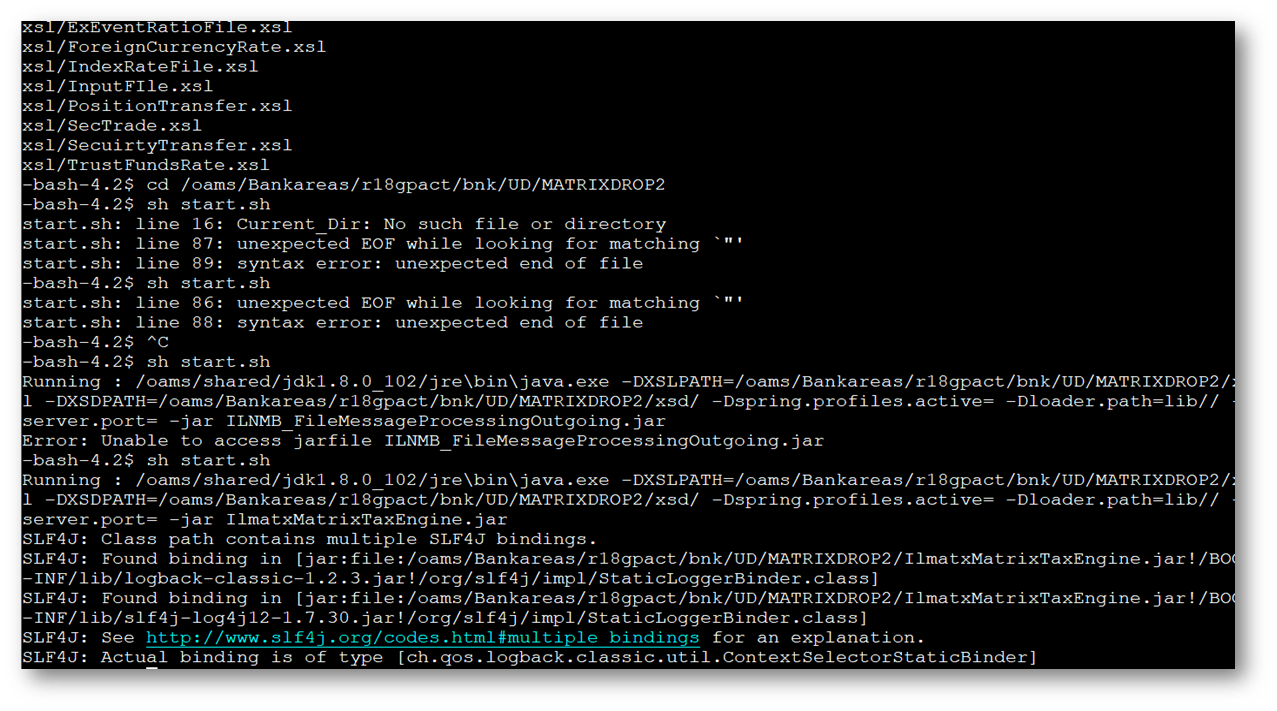
- start.sh:
- start.cmd:
Field Name
|
Application/Table name
In this topic