Invoicing Capability (Finvoice) Installation Guide
In this document are explained the installation procedures required to install the FIVOCE adapter pack for inflowing flow.
System Requirements
The following are the pre-requisites for installing the package:
- Jdk 11.
- Temenos Transact area configured with the bank's components.
The package contains the FIVOCE_Invoicing_CreditNote-1.0-SNAPSHOT.zip adapter component.
General Considerations
- Extract the .zip file.
- In the start.cmd file, set the following details:
- JAVA_HOME variable: points to java jdk location. E.g: C:\java\jdk11\jre
- PROVIDER variable: contains the queue broker name. It accepts the following values: jboss, ibmmq, activemq, amazonmq, weblogic.
- PORT variable: can be any available port number to be used by the package.
- OUTFILEPATH: path of the output file.
- XSLPATH: path of the XSLT files.
If the above values are not set, then the following values will be defaulted:
- PROVIDER=jboss.
- OUTFILEPATH=C:\\Invoicing\\Output.
- PORT=8080.
- XSLPATH=%CD%\xsl\.
- Open the respective application properties for the queue broker type and set the JNDI values. For example, if the queue broker is jboss, we need to open the application-jboss.properties and set the values.
Steps for Deploying the Package File
- Open a command window in the extracted package location, and execute the command start.cmd.
Syntax:
start.cmd [ -p provider ] [ -ifp inFilePath ] [ -ofp outFilePath ] [ -iq inQueue ] [ -po port ] [ -xp xslPath ]
Start.cmd –p jboss–ofp C:\Invoicing–po 9999 –xp …\ FIVOCE_Invoicing_CreditNote-1.0-SNAPSHOT \xsl
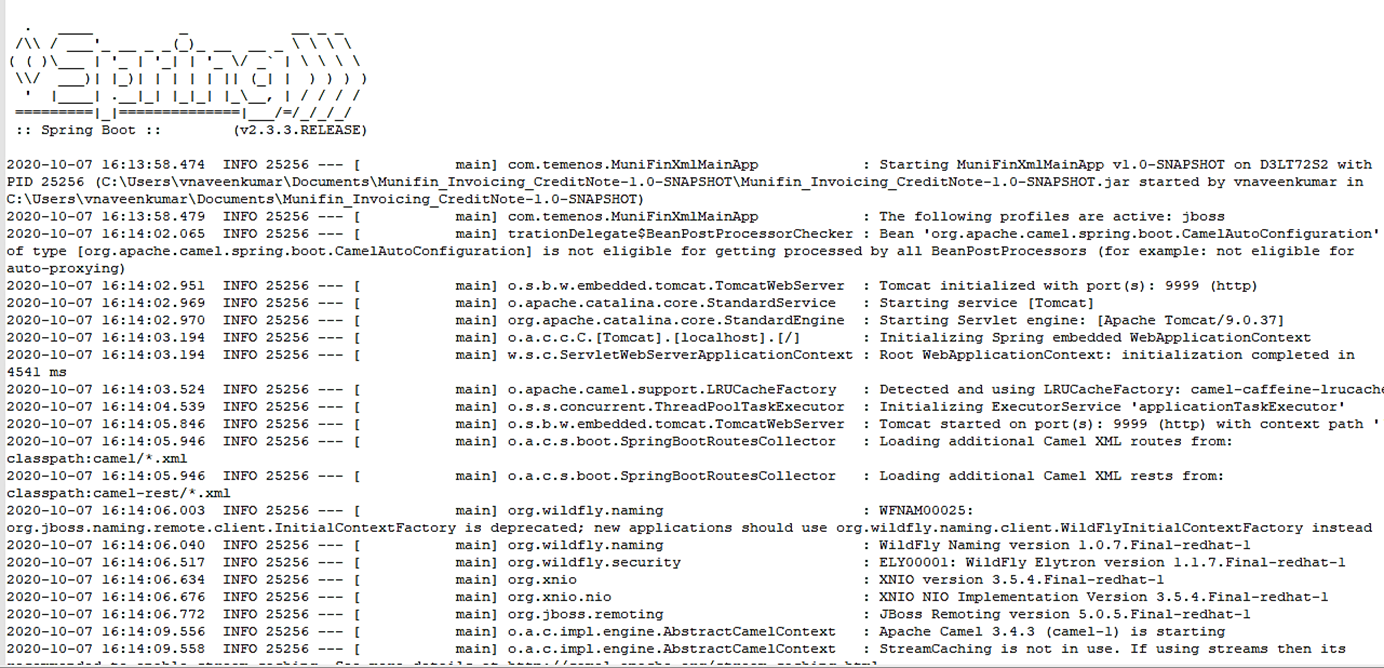
- The logs will generated in the log folder for monitoring purpose. For example:
Field Name
|
Application/Table name
In this topic