Kinesis Configuration
Kinesis Configuration for Holdings Microservice to be done for Event Processor, Transact, and Account Aggregation. Following are the configuration and creation details:
Holdings Microservice Event Processor
Following are the configuration and creation details:
 Event Processor Kinesis Configuration
Execute the install-aws-dynamo.sh / install-aws-postgresql.sh, this creates <multideployment>-external-holdings-command-event Kinesis automatically, and also links to the EventProcessor Ingestion Lambda Function.
In the AWS portal, it will be as follows:
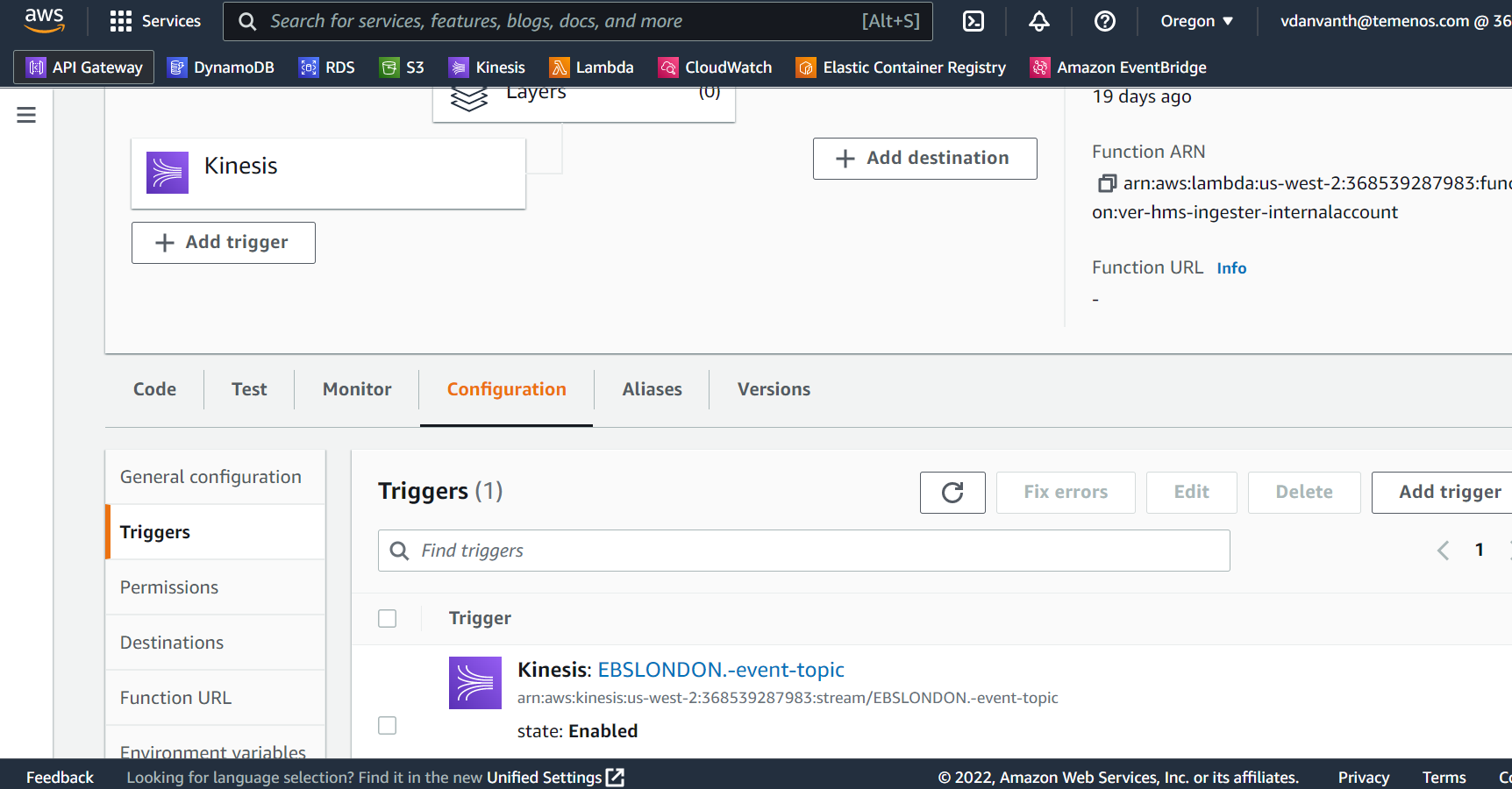
Event Processor Kinesis Creation
Method 1:
Once the Event Processor Kinesis is created and working, then change the following configuration in install-aws-dynamo.sh / install-aws-postgresql.sh.
EP_INGEST_SOURCE_STREAM - Kinesis for Event Processor.

Method 2:
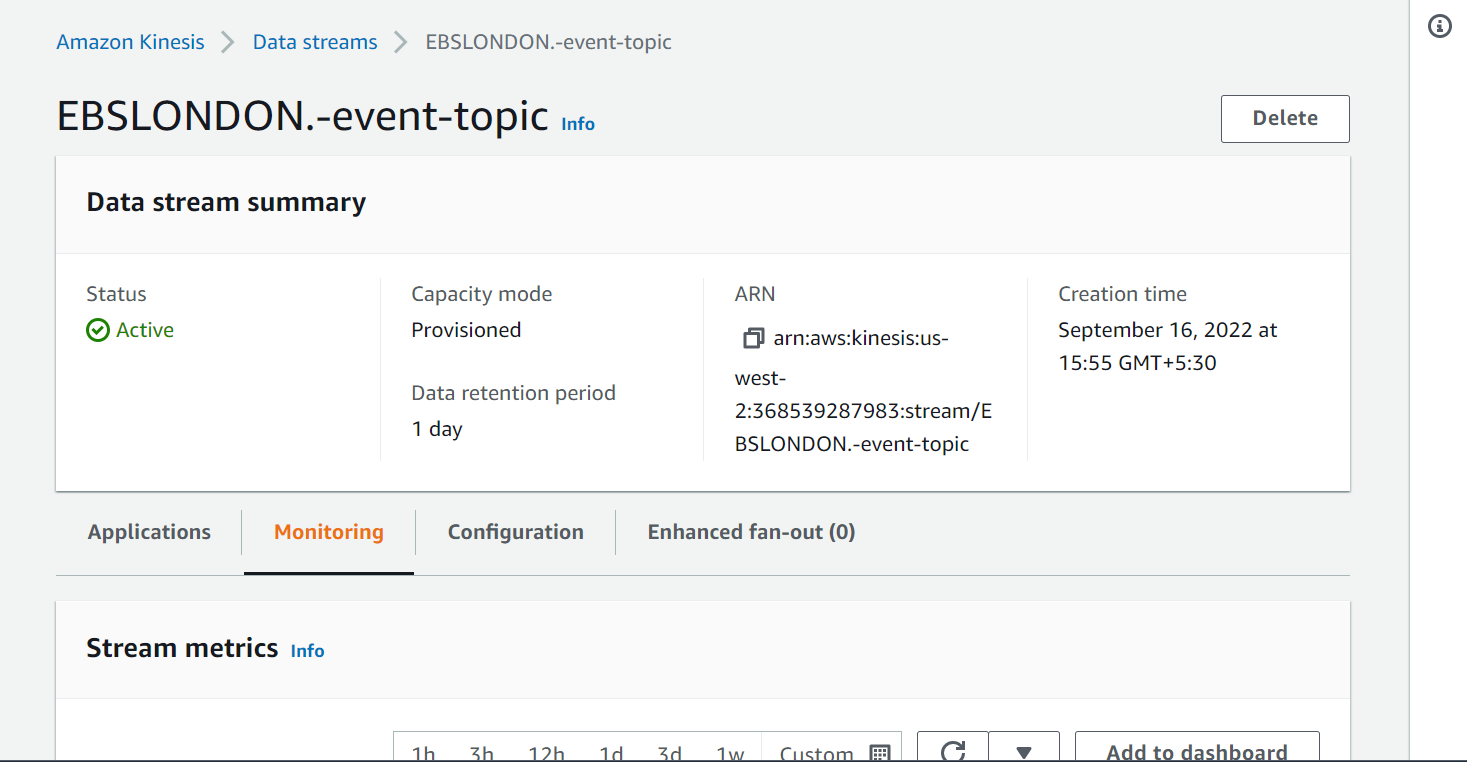
If the Event Processor Kinesis is not present in AWS Environment, then execute the files install-aws-dynamo.sh / install-aws-postgresql.sh. This automatically creates the Kinesis if it does not exists.
In the AWS portal, it will be as follows:
Holdings Microservice Transact
Following are the configuration and creation details:
Transact Kinesis Configuration
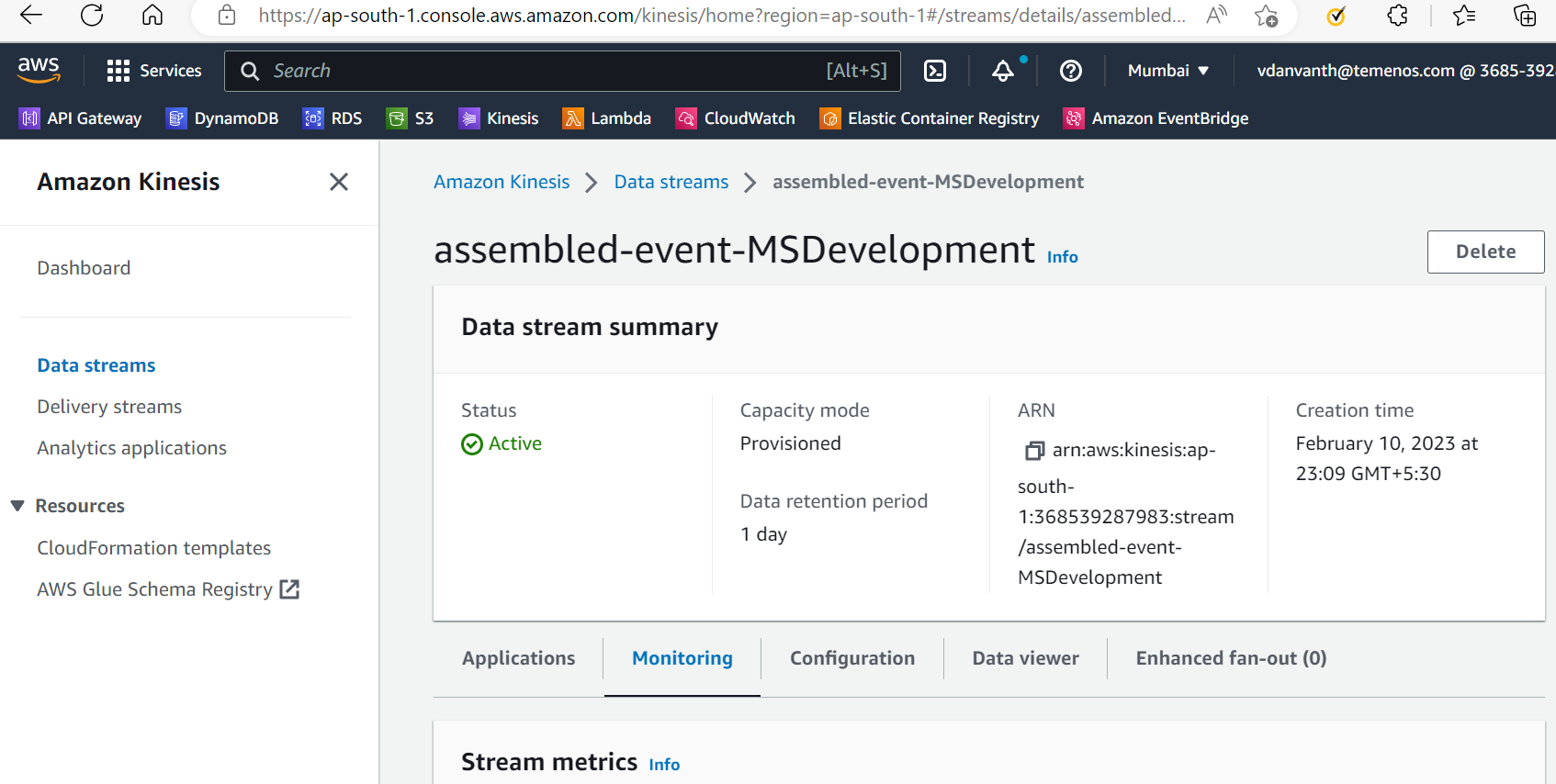
Execute the install-aws-dynamo.sh / install-aws-postgresql.sh, this creates assembled-event-MSRetail Kinesis automatically, and also links to the internal Ingestion Lambda Function.
In the AWS portal, it will be as follows:
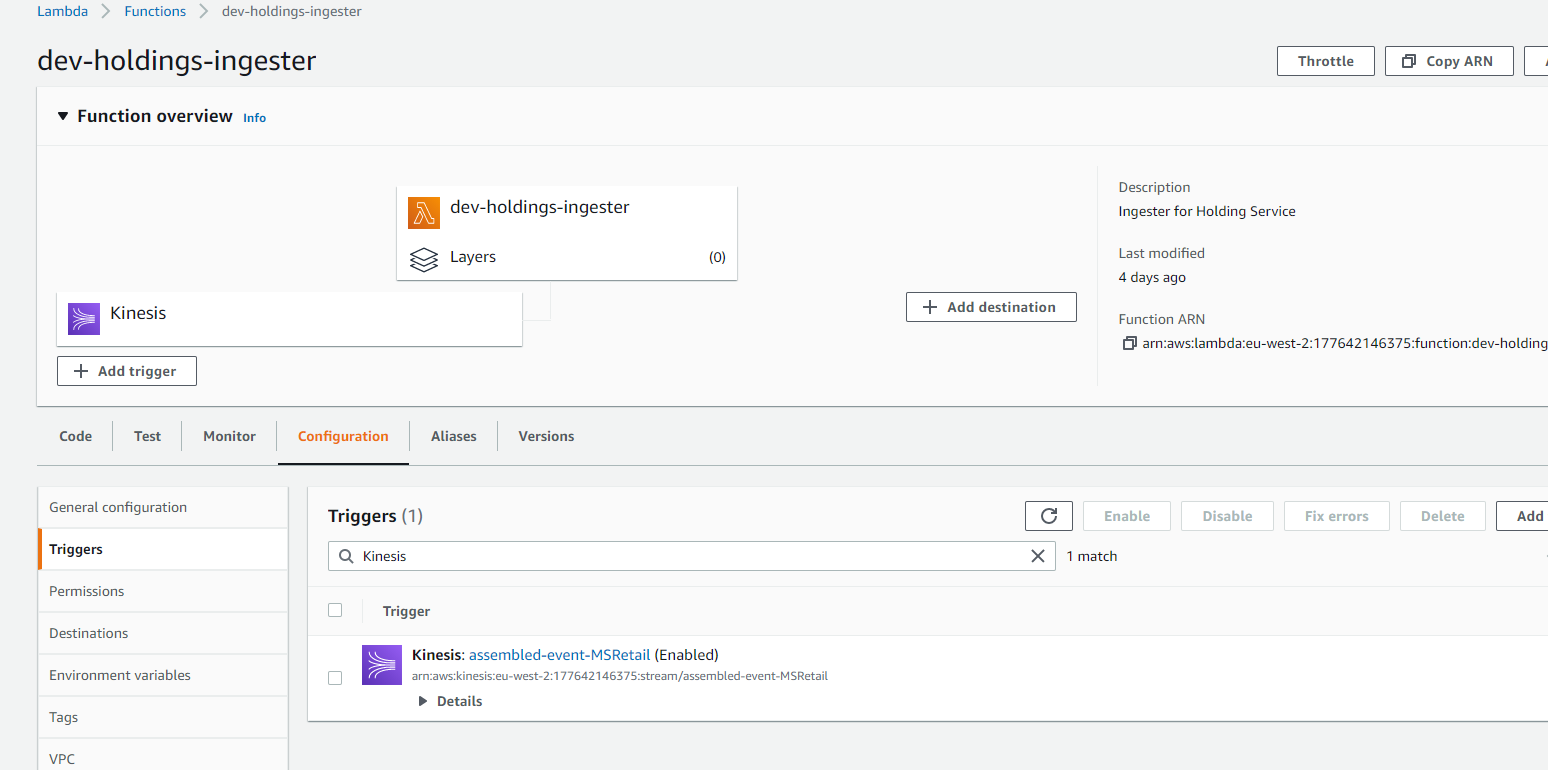
Transact Kinesis Creation
Method 1:
Once the Event Processor Kinesis is created and working, then change the following configuration in install-aws-dynamo.sh / install-aws-postgresql.sh.
INGEST_SOURCE_STREAM - Kinesis for Transact.
temn_msf_schema_registry_url - localhost / subjects for DES Transact.
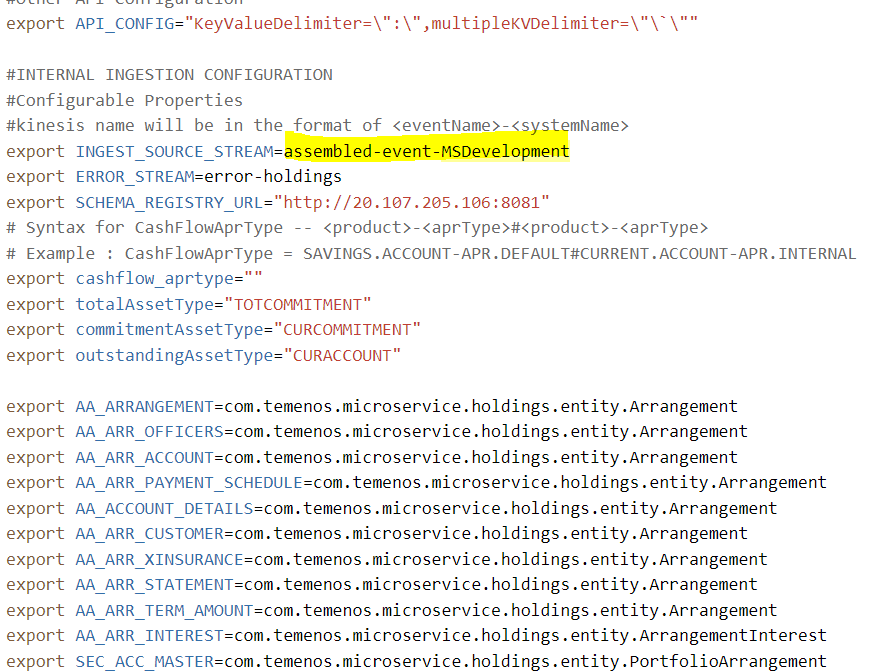
Method 2:
If the Event Processor Kinesis is not present in AWS Environment, then execute the files install-aws-dynamo.sh / install-aws-postgresql.sh. This automatically creates the Kinesis if it does not exists.
In the AWS portal, it will be as follows:
Holdings Microservice Account Aggregation
Following are the configuration and creation details:
Account Aggregation Kinesis Configuration(HMS)
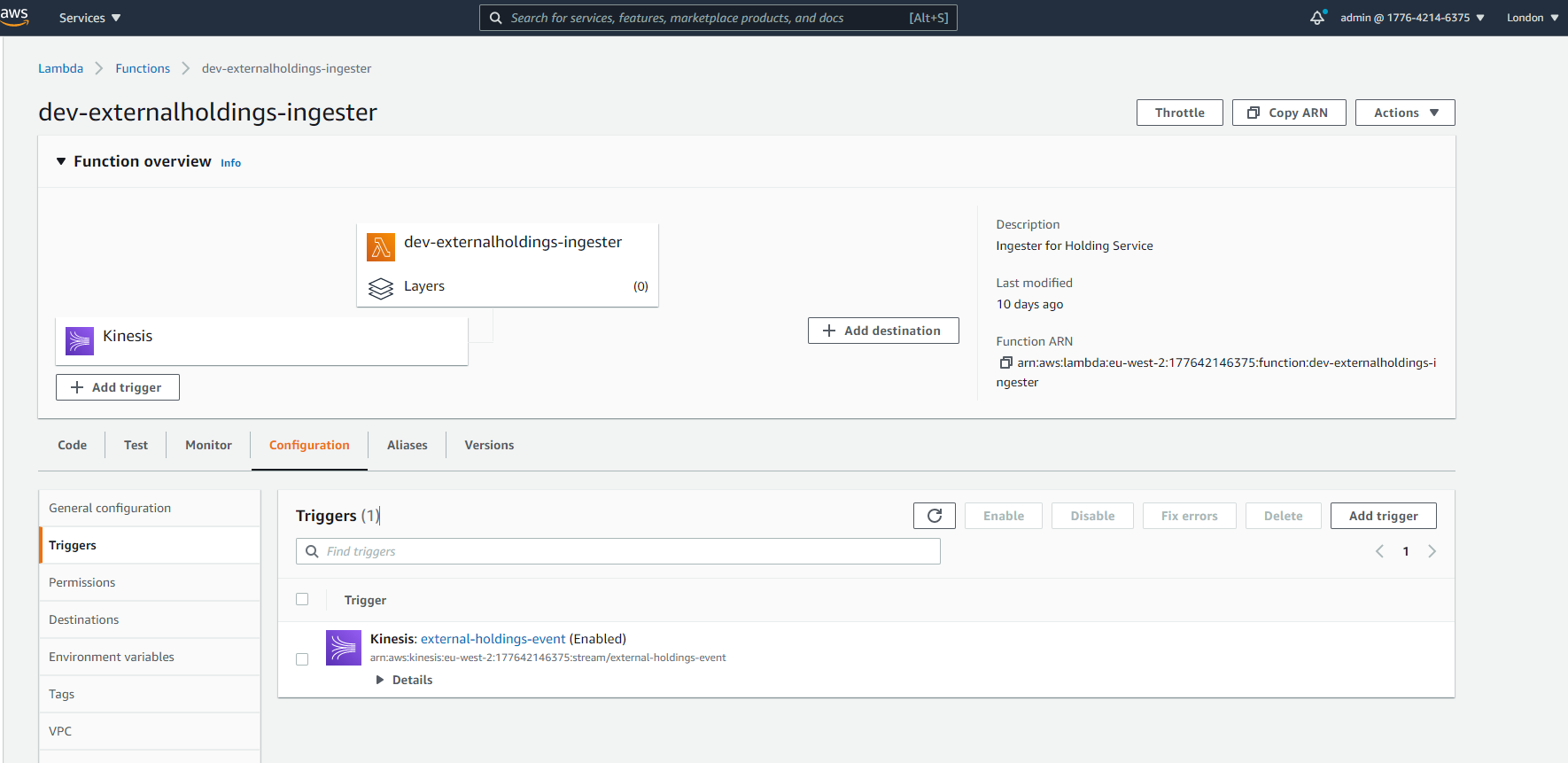
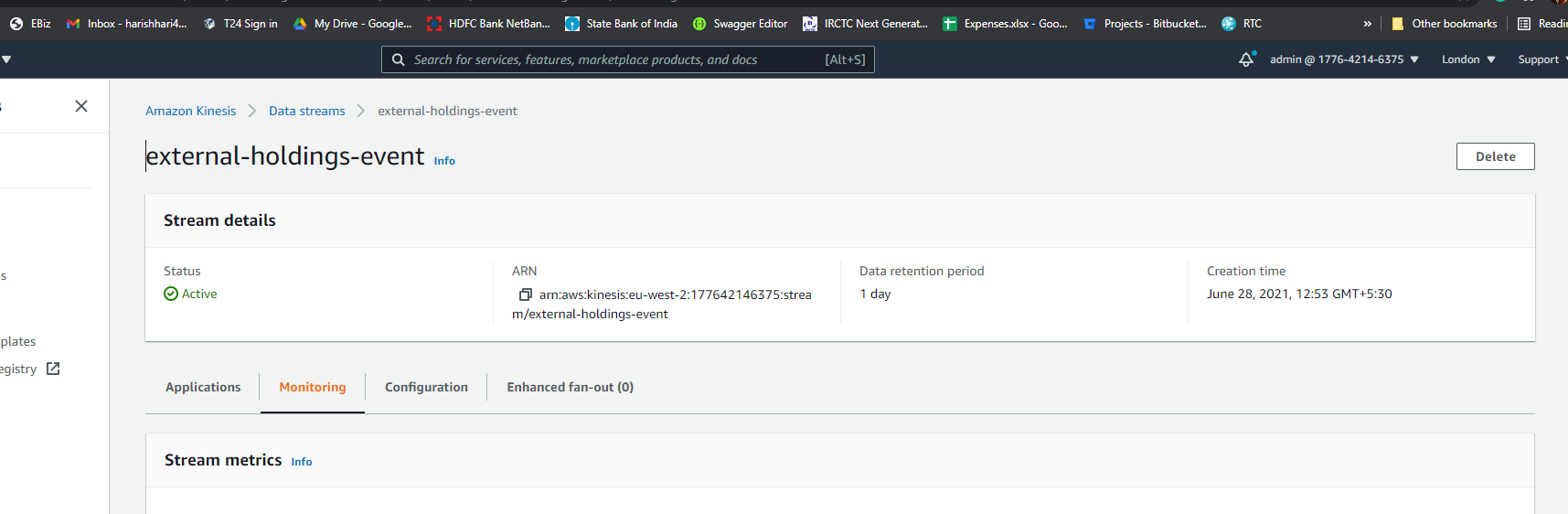
Execute the install-aws-dynamo.sh / install-aws-postgresql.sh, this creates external-holdings-event Kinesis automatically, and also links to the internal Ingestion Lambda Function.
In the AWS portal, it will be as follows:
Account Aggregation Kinesis Creation(HMS)
Method 1:
Change the following configuration in install-aws-dynamo.sh / install-aws-postgresql.sh after the Event Processor Kinesis is created and working. (refer it from the account aggregation ms install-aws.sh scripts)
EXT_INGEST_SOURCE_STREAM - Kinesis for Account Aggregation.

Method 2:
If the Event Processor Kinesis is not present in AWS Environment, then execute the files install-aws-dynamo.sh / install-aws-postgresql.sh. This automatically creates the Kinesis if it does not exists.
In the AWS portal, it will be as follows:
Account Aggregation Kinesis Configuration(AMS)
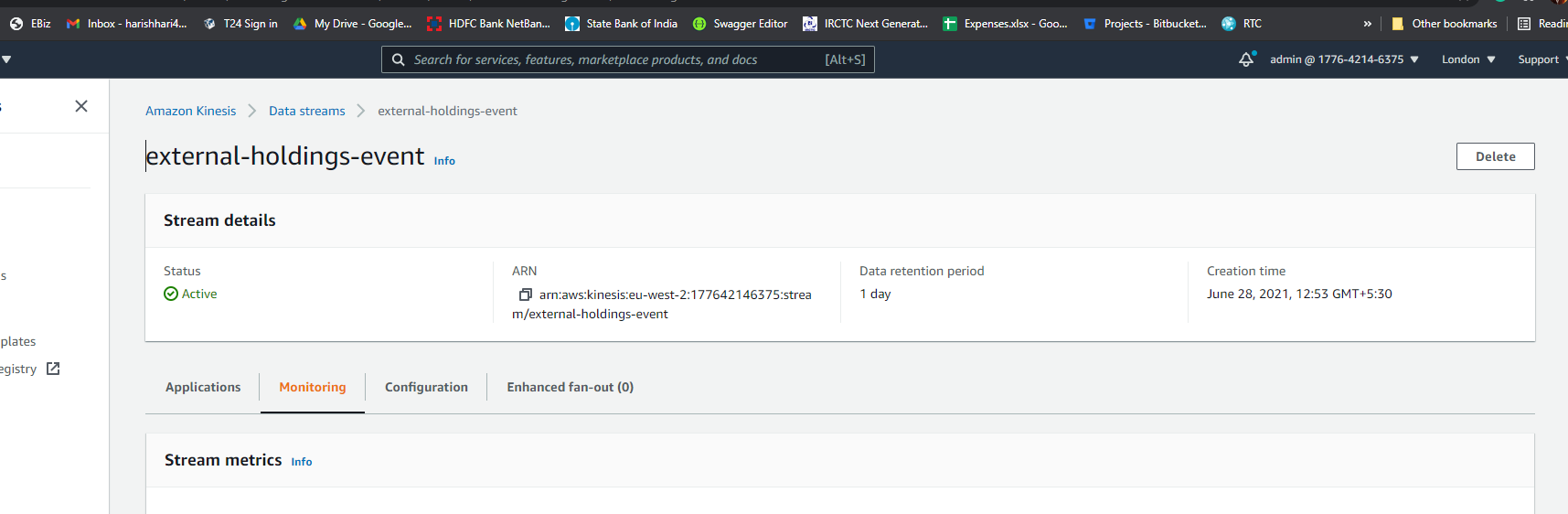
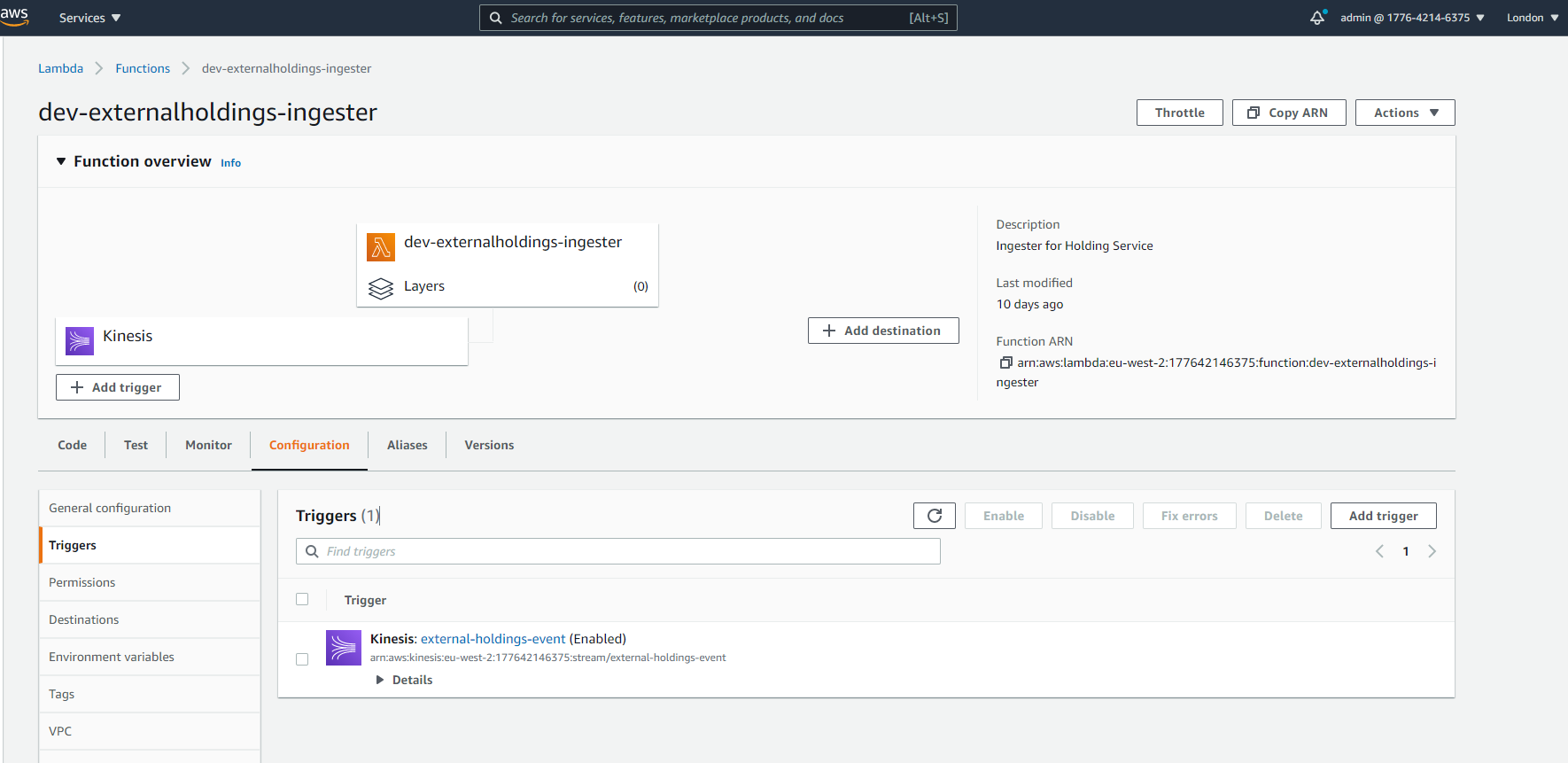
Execute the install-aws-dynamo.sh / install-aws-postgresql.sh, this creates external-holdings-event Kinesis automatically, and also links to the internal Ingestion Lambda Function.
In the AWS portal, it will be as follows:
Account Aggregation Kinesis Creation(AMS)
Method 1:
Change the following configuration in install-aws-dynamo.sh / install-aws-postgresql.sh after the Event Processor Kinesis is created and working. (refer it from the account aggregation ms install-aws.sh scripts)
EXT_INGEST_SOURCE_STREAM - Kinesis for Account Aggregation.

Method 2:
If the Event Processor Kinesis is not present in AWS Environment, then execute the files install-aws-dynamo.sh / install-aws-postgresql.sh. This automatically creates the Kinesis if it does not exists.
In the AWS portal, it will be as follows:
In this topic