Deploy Document Storage in AWS(EKS)
AWS EKS Kubernetes deployment is provided from 2021.08 release.
Prerequisite
- Install AWS CLI tool and configure AWS CLI credentials (AWS configure) - eu-west-2 region is the EKS scripts by default.
- Install eksctl - A command line tool for working with EKS Clusters.
- Install kubectl or enable Kubernetes from Docker desktop - A command line tool for working with Kubernetes Clusters.
EKS Deployment
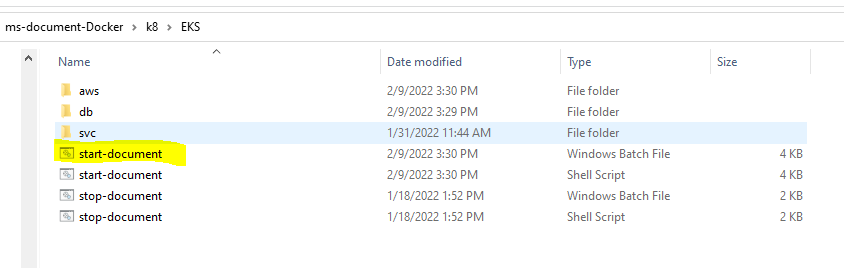
- Navigate to k8/EKS/start-document.bat, where the EKS deployment scripts are available.
- Run the script file using command prompt. The script file consists of EKS cluster creation scripts, ECR repository creation scripts, kinesis streams creation, and having helm command to deploy the app files.
- Before you run the script, setup the database connection details, update your AWS user in the script, and the image repositories in svc/values.yaml file.
- After the script has finished, run kubectl command to find the external API.
- It displays the status of all the services and the external IP for document-api-svc.

kubectl get all -n document

Field Name
|
Application/Table name
In this topic