Helm Upgrade
Following are the steps to update configuration during runtime without downtime.
Use the Helm upgrade command to set the new configuration details in the existing Helm chart.
Command:
helm upgrade <release-name> ./<path> -n <namespace> --set <env-variables>
For example, helm upgrade spnosql ./svc -n savingspot--set env.name=%ENV_NAME%
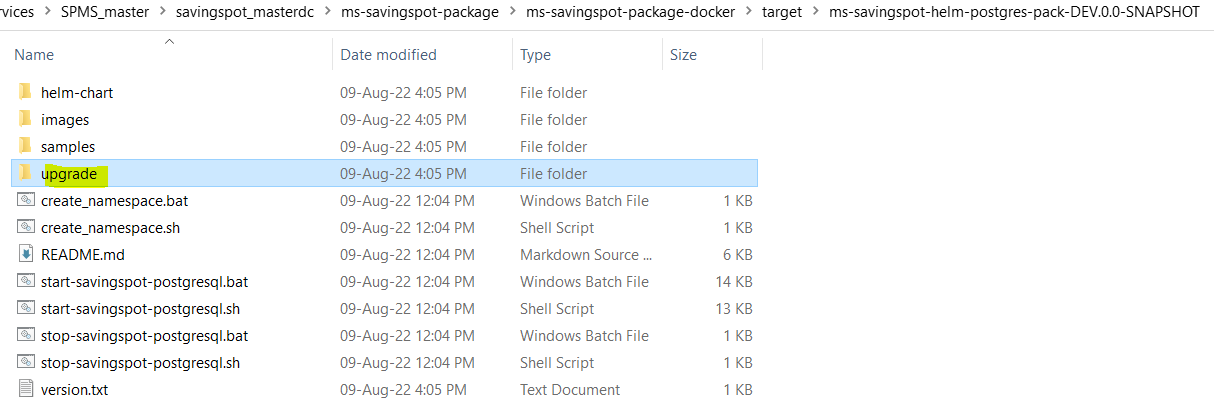
- Helm upgrade batch and shell scripts are available under the upgrade folder (ms-savingspot-package\ms-savingspot-package-docker\target\ms-savingspot-helm-postgres-pack-DEV.0.0-SNAPSHOT\upgrade)

- Make the necessary changes in the helm upgrade script and save it.
For example, update the DB_NAME.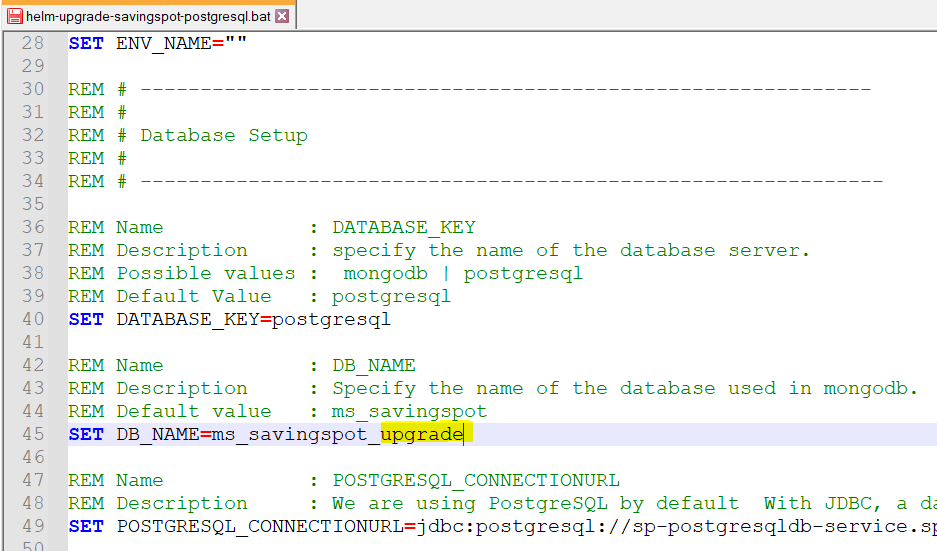
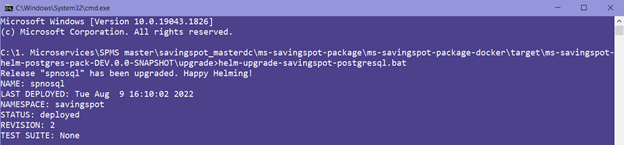
- Run the helm-upgrade script, this updates the deployment with the new configuration change with zero downtime.
Field Name
|
Application/Table name
In this topic