K8 Helm Images Generation
This section explains on how to generate K8 Helm Images for the Savings Pot Microservice using MongoDB and PostgreSQL.
The K8 Helm packs are available as a separate bundle package provided by the distribution.
MongoDB
In this deployment approach, we use the ms-savingspot-helm-pack-mongo-<release_number>.zip to load the docker images and then deploy the service in MongoDB.
To generate the K8 Helm images for MongoDB, API, DB initialization from the docker package, follow these steps:
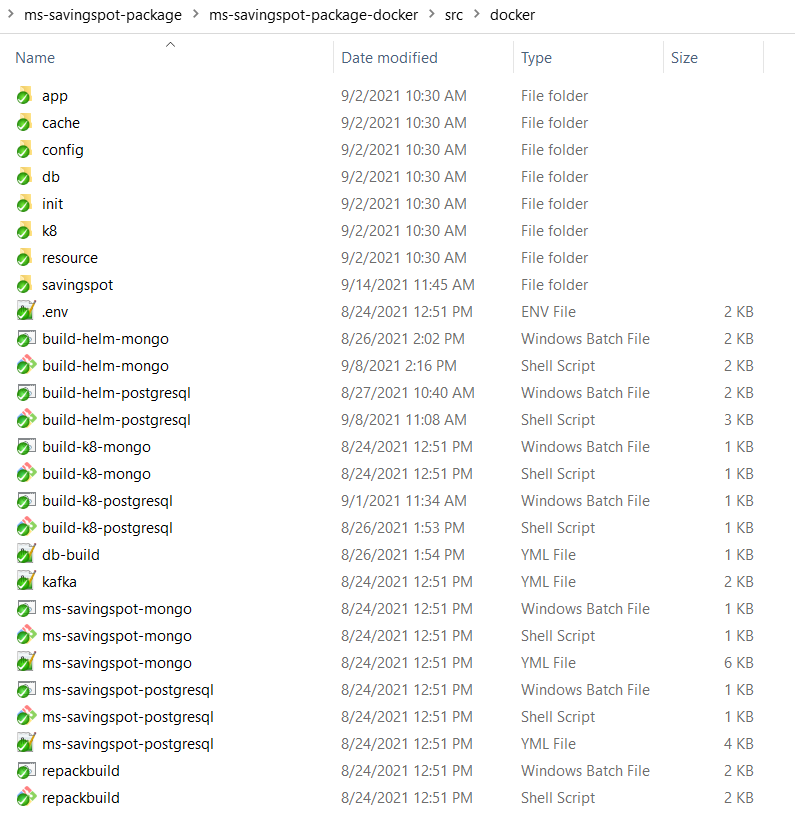
- Navigate to savingspot\ms-savingspot-package\ms-savingspot-package-docker\src\docker folder path.
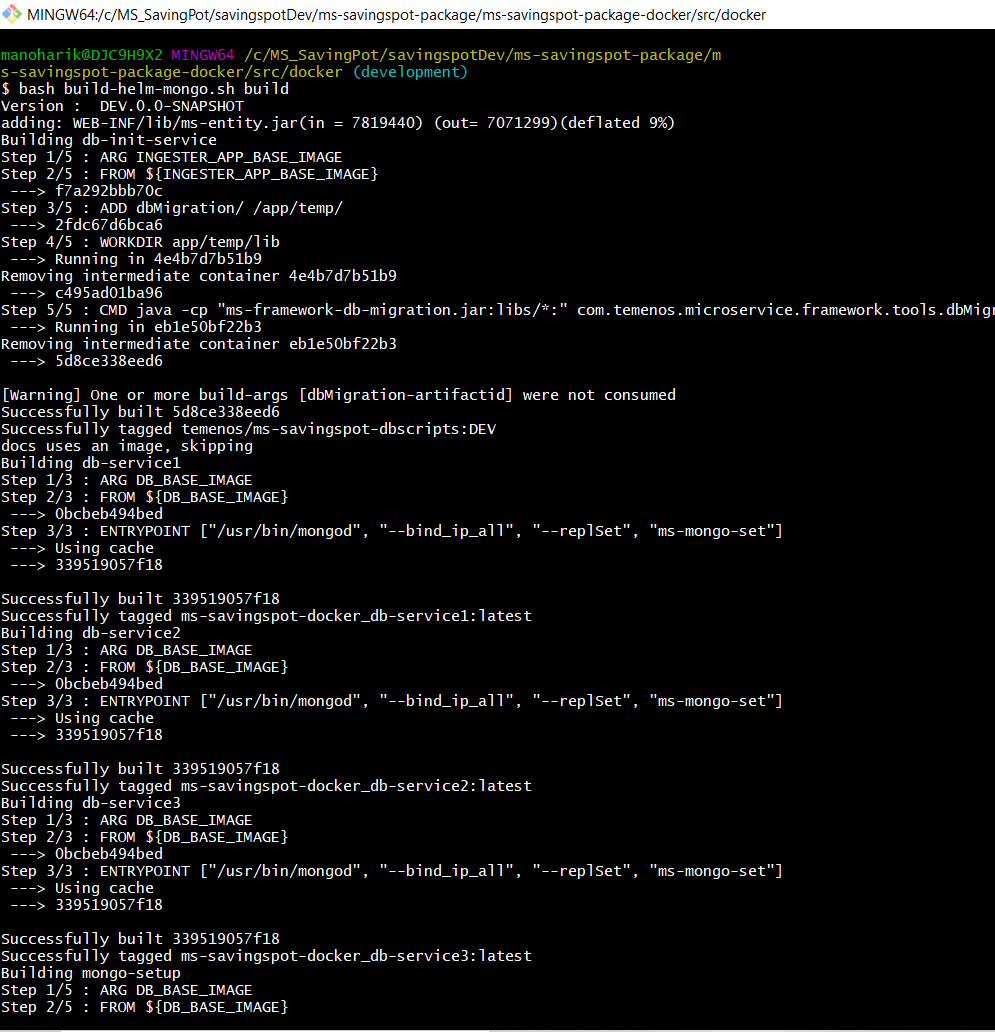
- Start the build-helm-mongo.sh/build-helm-mongo.bat file which in turns builds the docker images.
- Use command: bash build-helm-mongo.sh build in Linux shell prompt or build-helm-mongo.bat build in windows command prompt to build the images.
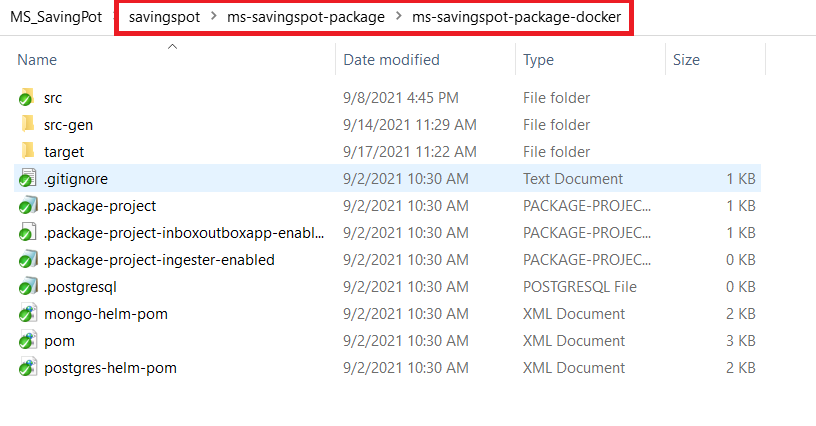
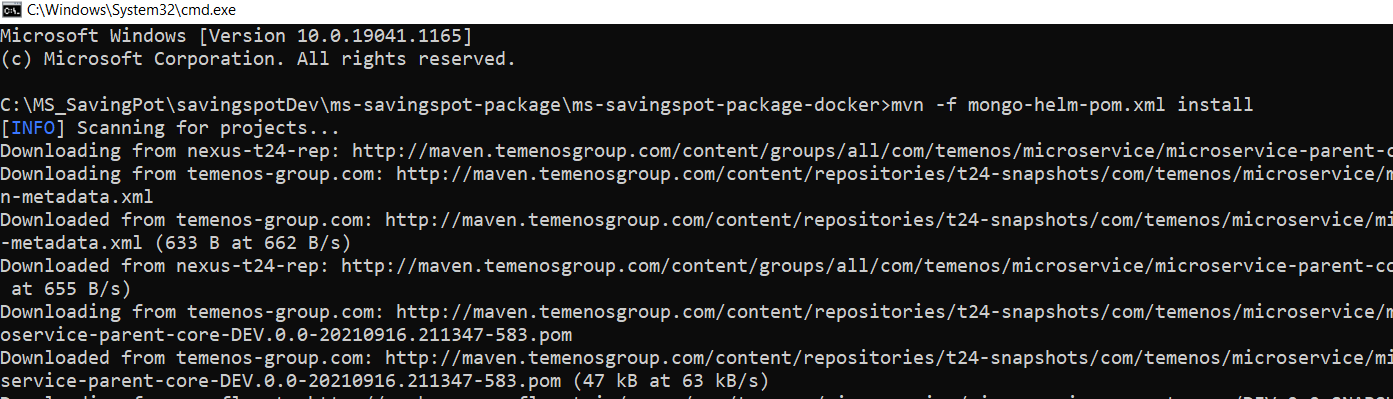
- After the build is completed, navigate to mvn -f mongo-helm-pom.xml install to docker images (generated in Step 2) into the archive ms-savingspot-helm-pack-mongo-<release_number>.zip file.
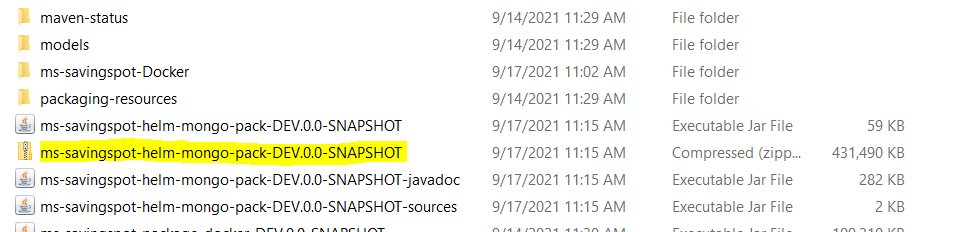
- After the build is completed, navigate to savingspot\ms-savingspot-package\ms-savingspot-package-docker\src\docker folder. The ms-savingspot-package-docker\target is available.
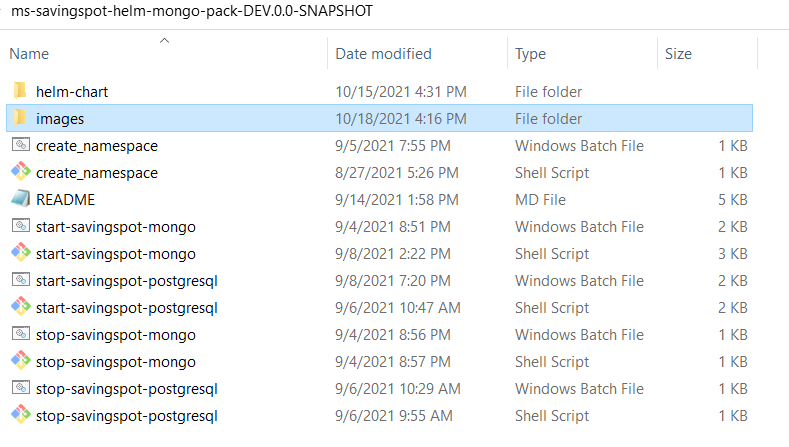
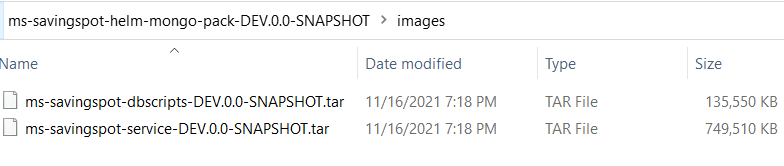
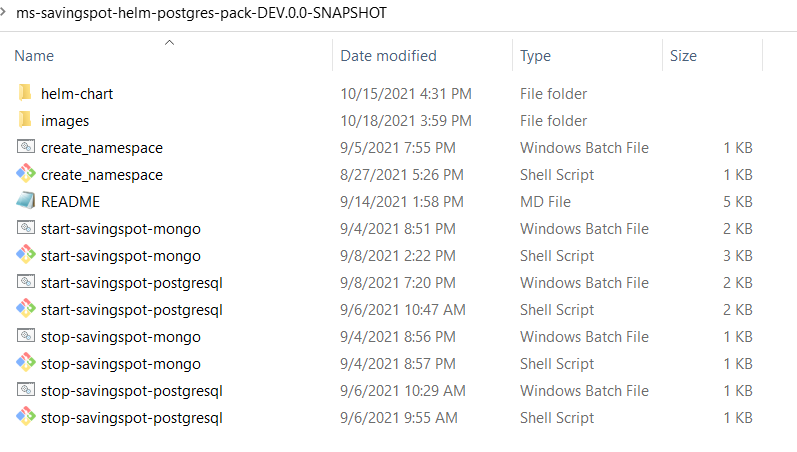
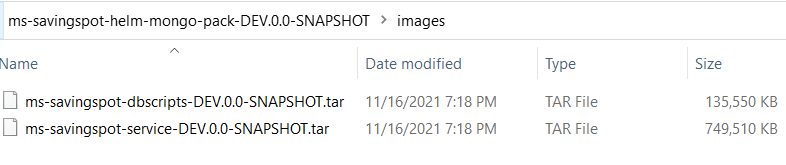
- Unzip the file, it contains the helm images, initialization and API services for the MongoDB.
PostgreSQL
In this deployment approach, we use the ms-savingspot-helm-pack-postgresql-<release_number>.zip to load the docker images and then deploy the service in PostgreSQL.
To generate the K8 Helm images for PostgreSQL, API, and DB initialization from the docker package, follow these steps:
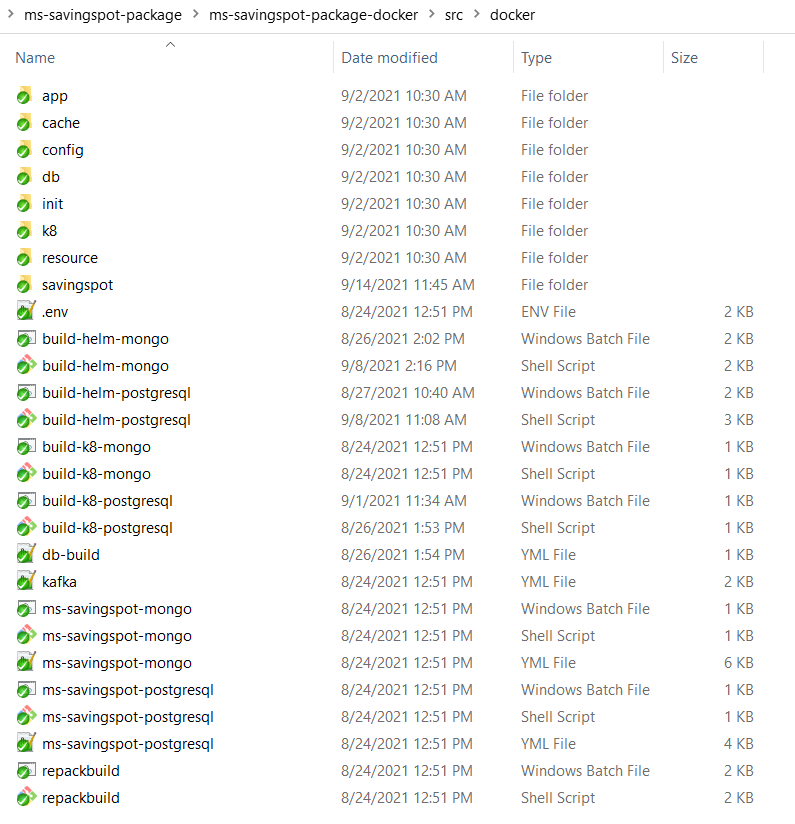
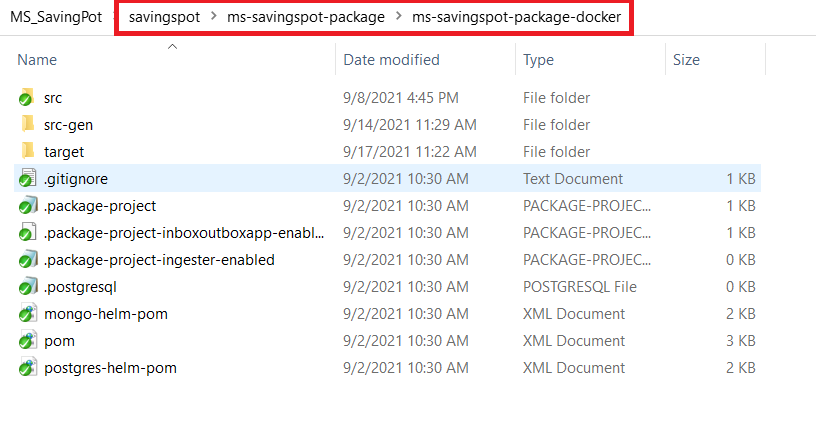
- Navigate to savingspot\ms-savingspot-package\ms-savingspot-package-docker\src\docker folder path.
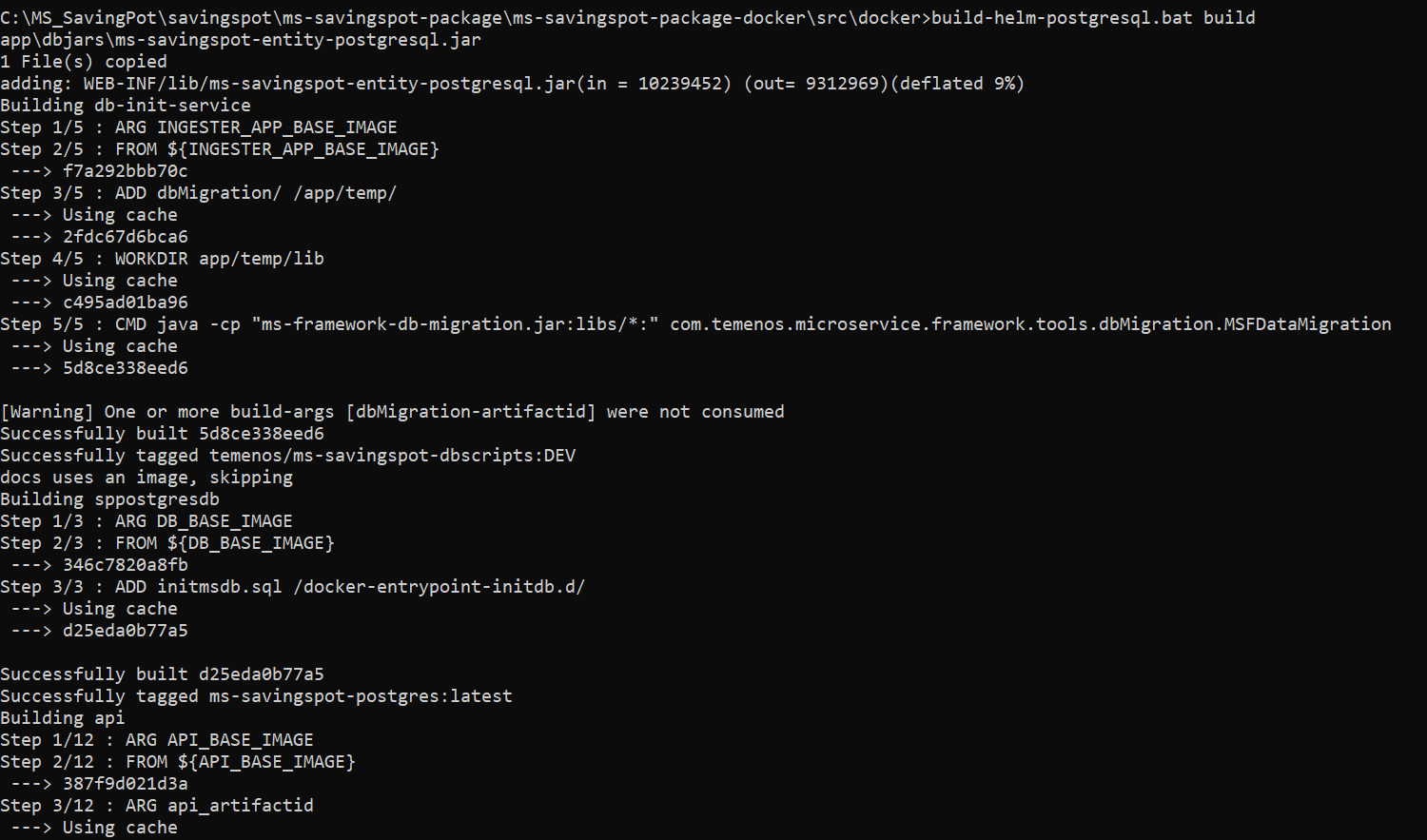
- Start the build-helm-postgresql.sh / build-helm-postgresql.bat file which in turns builds the docker images.
- Use command: bash build-helm-postgresql.sh build in Linux shell prompt or build-helm-postgresql.bat build in windows command prompt to build the images.
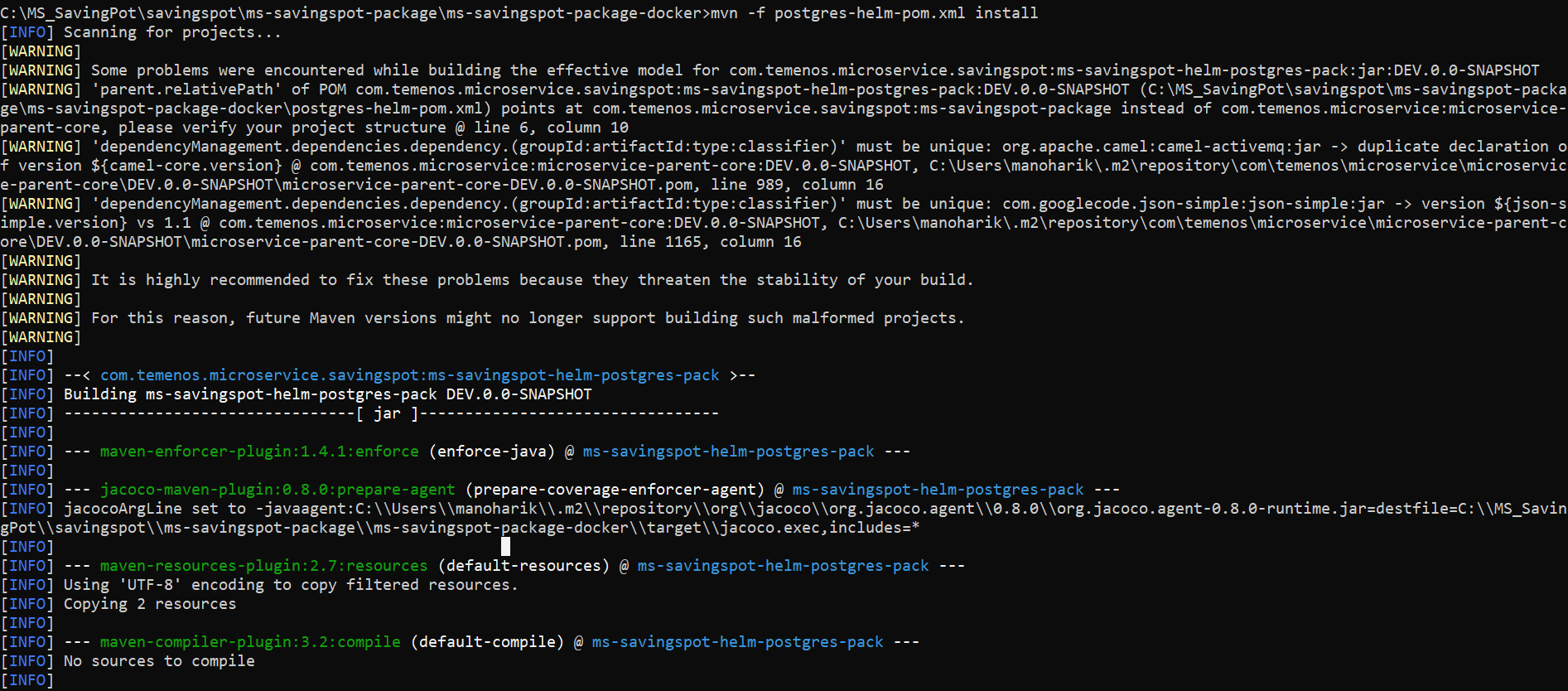
- After the build is completed, navigate to mvn -f postgresql-helm-pom.xml install to docker images (generated in Step 2) into the archive ms-savingspot-helm-pack-mongo-<release_number>.zip file.
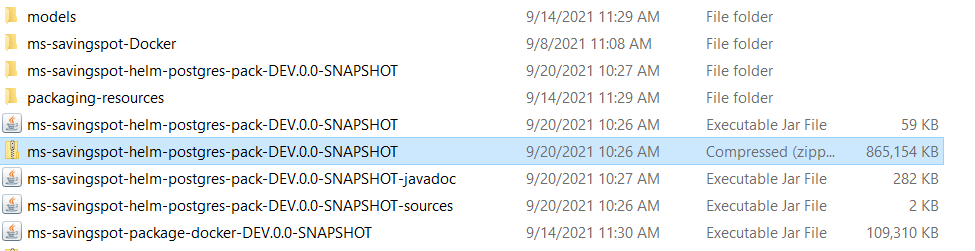
- After the build is completed, navigate to ms-savingspot-helm-pack-mongo-<release_number>.zip folder. The ms-savingspot-helm-pack-postgresql-<release_number>.zip is available.
- Unzip the file, it contains the images, initialization and API services for the PostgreSQL database.
In this topic