ODMS Helm Rollback
ODMS Helm Rollback command enables to reverse the revision of a release. The release name and the revision (version) number are the first and second arguments of the rollback command, respectively. The command reverts to the previous release if revision (version) number argument is left out.
The Helm Upgrade and Rollback mechanism is only for changing environment variables in running Pods.
- This command helm rollback storage-n storage helps to rollback INFO to old version ERROR without disruption and in less time. For example: In Storage MS , If the log is set as logger_root_level=INFO then the info logs are generated. If log level is ERROR in the previous version and we want the error logs then it should be roll backed to logger_root_level=ERROR.
- This command helm rollback storage 2 -n storage helps to rollback to version2 in less time.
Follow the below steps to rollback.
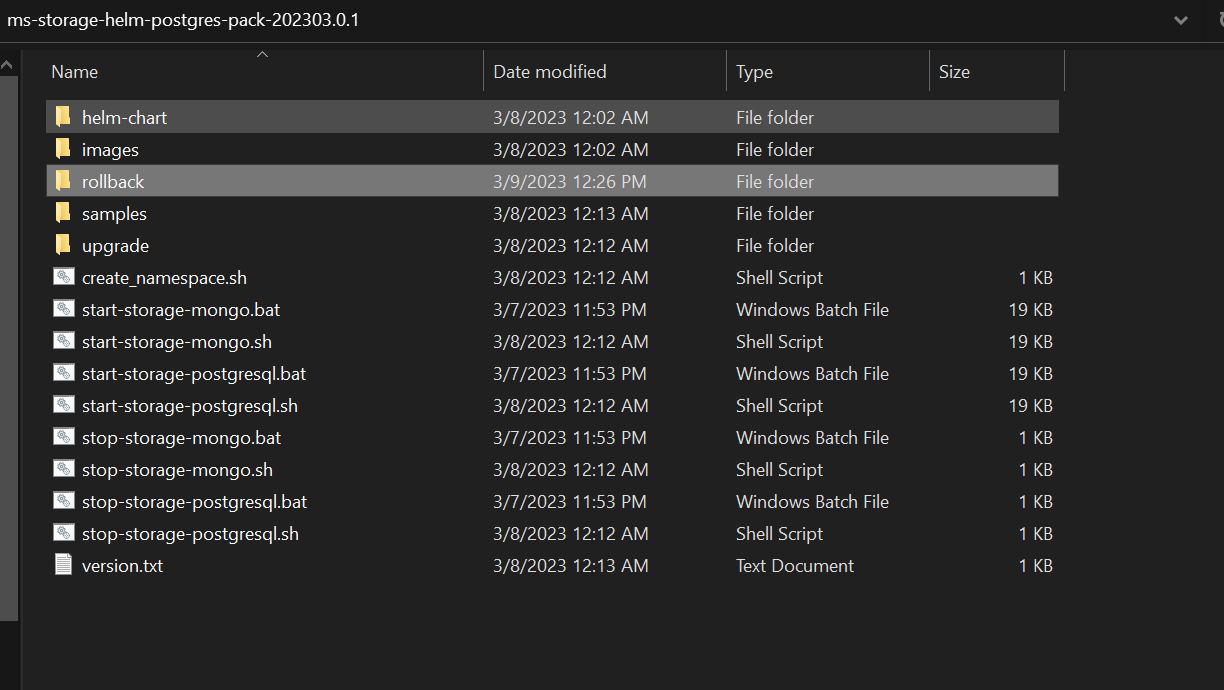
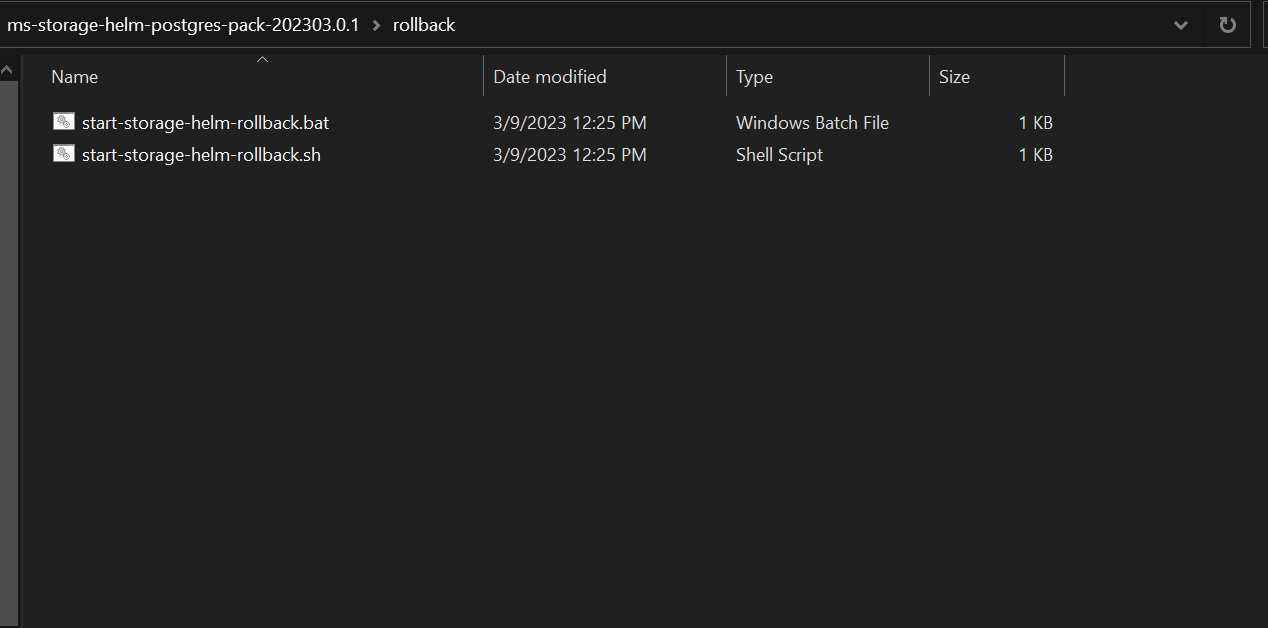
- Helm rollback batch and shell scripts are available under the rollback folder (ms-storage-helm-sql-pack-<version>\rollback)
Field Name
|
Application/Table name
In this topic