Role Based Policy
Role Specification
To support role based authorization in Microservice APIs, a new header parameter named roleId is introduced to enable the role along with the API request.
If the provided roleId contains the authorization to the respective APIs, the appropriate data is fetched and displayed in the response. If not, the following authorization failure message is displayed.
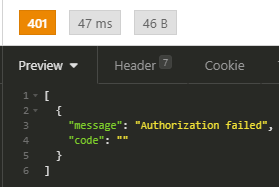
Added a rule for LegalEntity.xml for GET APIs with this the client can filter the records from database which expects the header field companyid (Optional) passed in request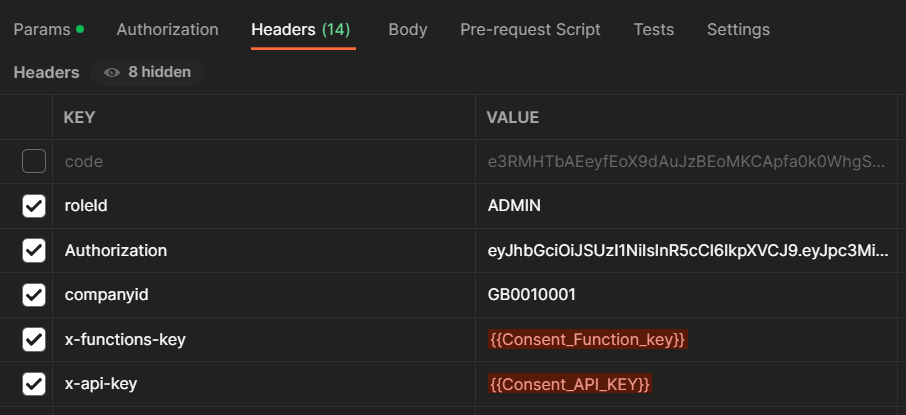
Single Role Specification
Passing the roleId
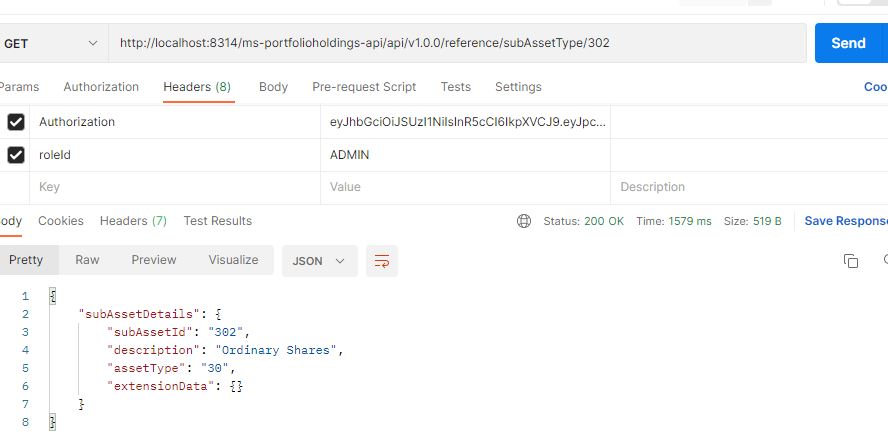
The following are the ways to pass roleId while accessing the API.
- To provide the role as a string data type in the API request, pass it as follows.
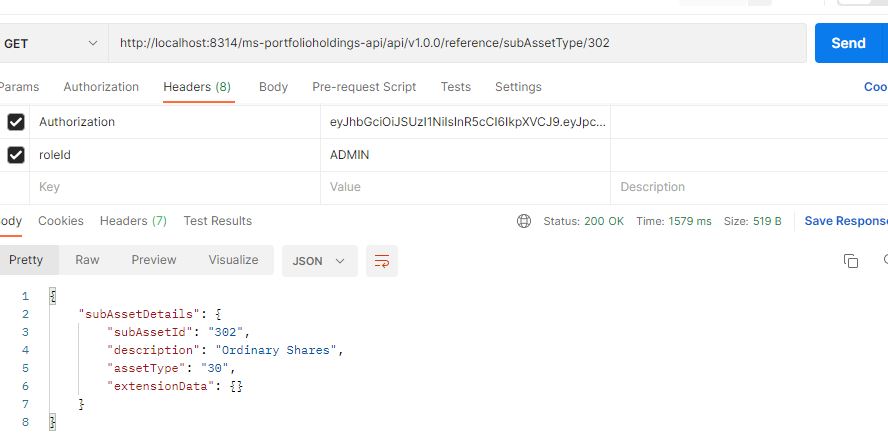
- Alternatively, use JWT token to pass the roleId. Following are the steps:
- Set the token claim attribute roleId with the appropriate value (as applicable) while generating the token.
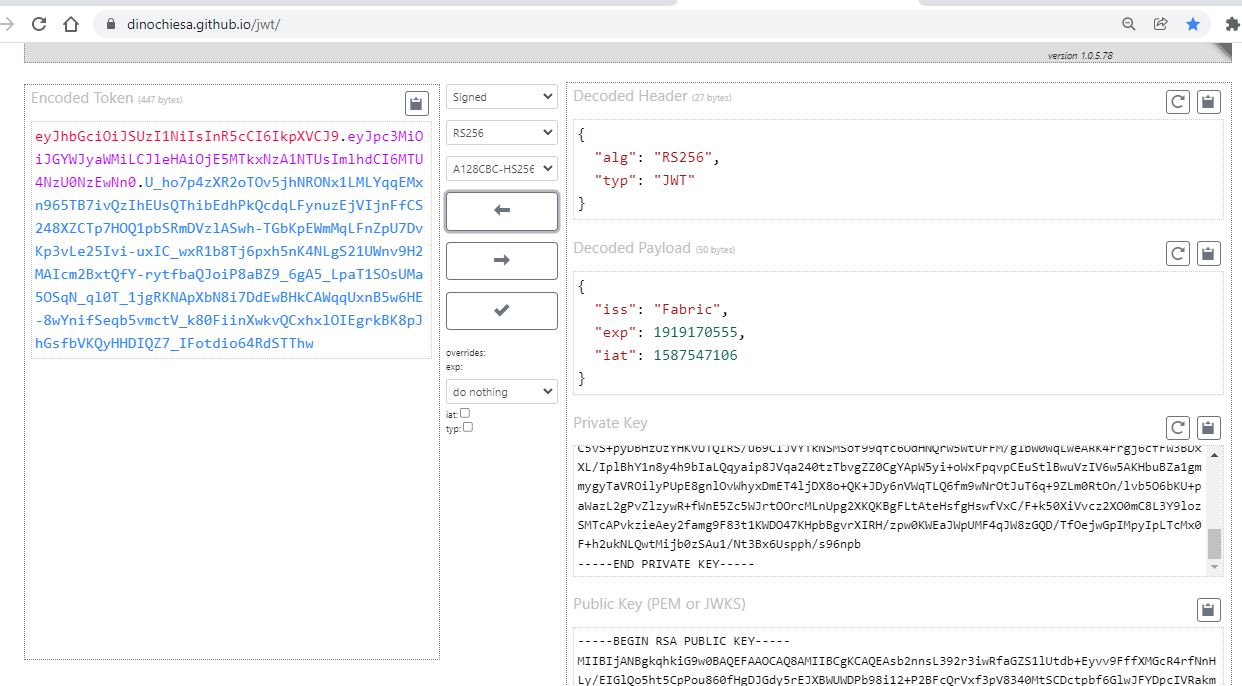
- The roleId is generated and pass the same.
- Set the token claim attribute roleId with the appropriate value (as applicable) while generating the token.
Fetching data is possible when roleId matches with attibute-value. An authentication failure happens if two values does not match.
In the event of authentication failure, match the policy-set- level targets by specifying the attribute-value in XACML Policy-Set Target file as follows.
<Target>
    <AnyOf>
        <AllOf>
            <Match
                MatchId="urn:oasis:names:tc:xacml:1.0:function:string-equal">
                <AttributeValue
                    DataType="http://www.w3.org/2001/XMLSchema#string">"ADMIN"</AttributeValue>
                <AttributeDesignator
                    AttributeId="urn:oasis:names:tc:xacml:1.0:subject:roleId"
                    DataType="http://www.w3.org/2001/XMLSchema#string"
                    Category="urn:oasis:names:tc:xacml:3.0:attribute-category:subject"
                    MustBePresent="true" />
            </Match>
        </AllOf>
    </AnyOf>
</Target>
Policy Configuration
Attached are the necessary policy files for the references. Click here to see Admin.xml, pdp-config.xml, root-policy.xml, and LegalEntity.xml.
In this topic