Arrangements Helm Images Generation
The K8 Helm packs would be available as a separate bundle in the package provided by distribution. However, this section can be referred to understand on how to generate the K8 Helm images.
Follow the below steps to generate the helm pack:
- Navigate to
arrangements\ms-arrangement-package\ms-arrangement-package-docker\src\dockerfolder path.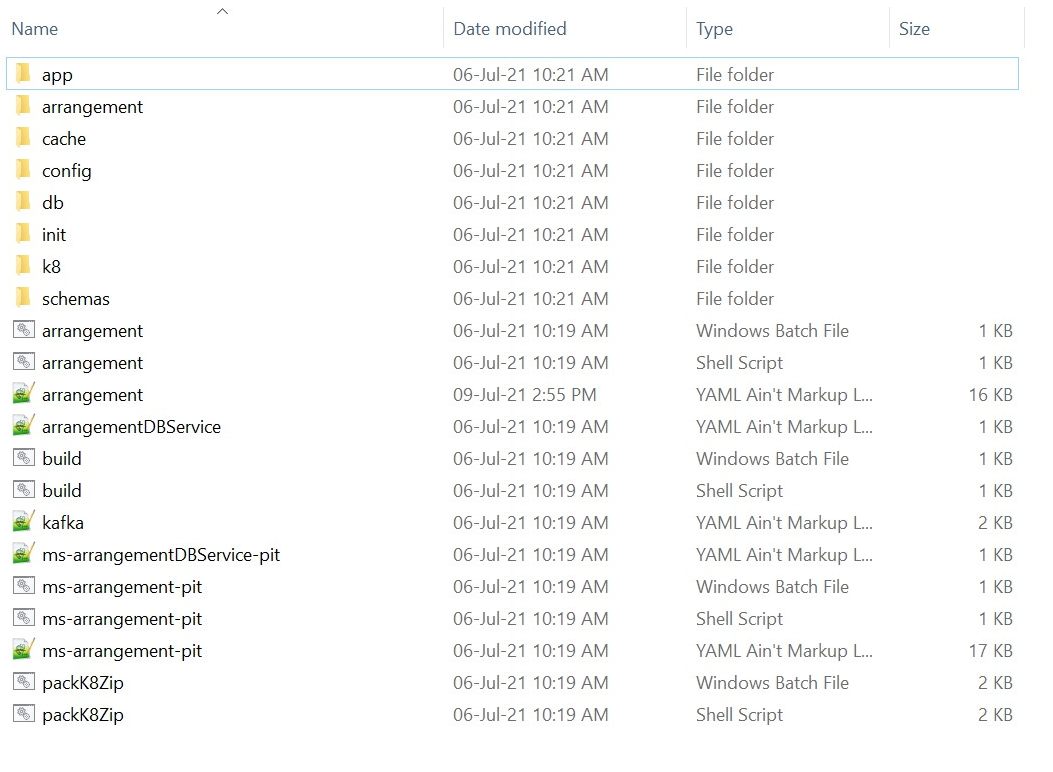
- Start the
packK8Zip.shfile which in turn builds the docker images and generates thearrangement-helm-pack-<release_number>.zipfile. - Use the bash packK8Zip.sh build command in linux shell to execute the file.
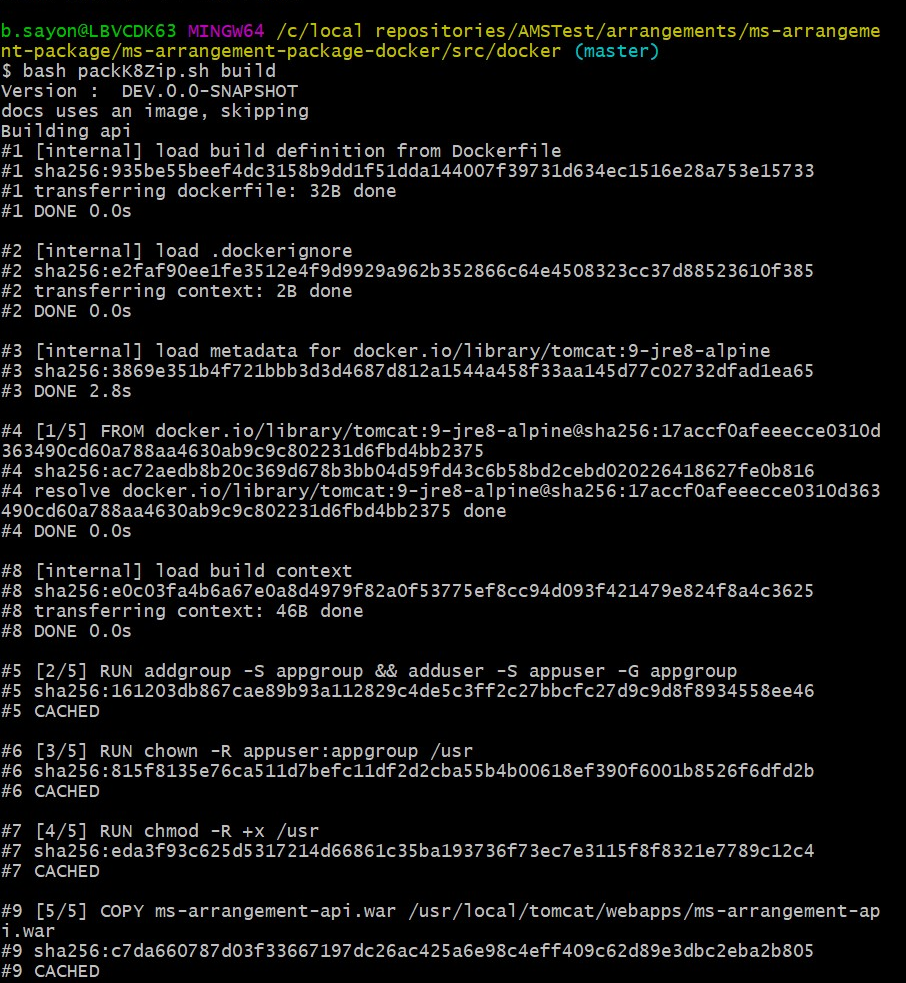
- After the build is completed, navigate to
arrangements\ms-arrangement-package\ms-arrangement-package-docker\target. The ms-arrangement-Docker folder is created.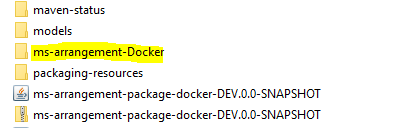
- Then, go to ms-arrangement-package-docker folder. An sql-helm-pom.xml file is present. From the folder make a command prompt / git-bash cli window and run the install command mvn -f sql-helm-pom.xml install.
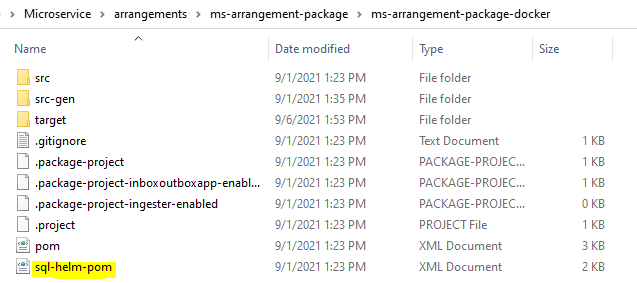


-
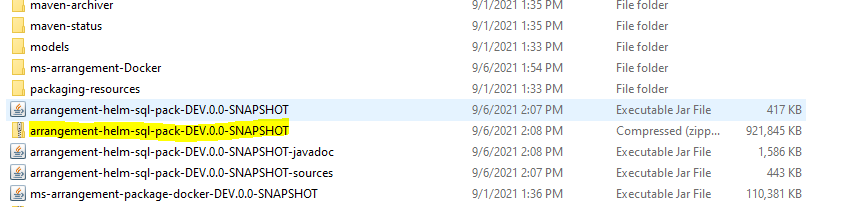
After the build is completed, navigate to arrangements\ms-arrangement-package\ms-arrangement-package-docker\target, an arrangement-helm-sql-pack-<release>.zip is generated. Unzip the file, it contains the images, start-arrangement and stop-arrangement scripts.
Field Name
|
Application/Table name
In this topic