Remote Deposit Capture
Use the feature to deposit a check using your mobile device, view a list of completed check deposits and pending check deposits. The Remote Deposit Capture (RDC) module is available only in mobile banking application.
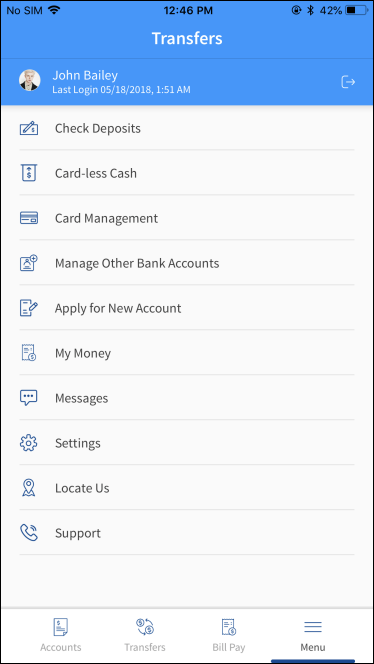
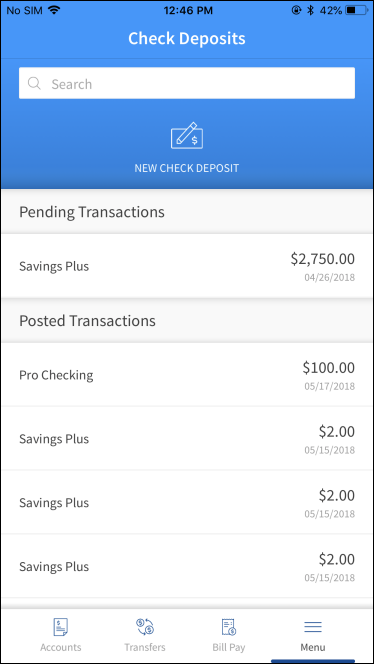
From the bottom menu, tap Menu > Check Deposits. The app displays the Check Deposits screen.
You can do the following:
- Tap New Check Deposit to initiate a Remote Deposit Capture.
- View the list of last 10 successful check deposits in Posted Transactions. You can tap any recent deposit to view its in-depth details.
- View the last 10 pending check deposits in Pending Transactions. You can tap any pending deposit to view its in-depth details.
Field Name
|
Application/Table name
In this topic