Multi Factor Authentication (MFA)
 INFORMATION
- Kony IDP is now at EOL and marked as deprecated. This will no longer be supported and used post 2021.04 for production as an identity provider.
- The authentication method explained here is only a sample, and in real-time implementation, customers will have their authentication system. The authentication-related configuration will change accordingly.
- See security and authentication for more information.
On certain scenarios where you must provide an additional authentication, the app displays a couple of random security challenge questions (applicable only for online banking), or asks you to enter a secure access code. The application matches the given answers with those available in the back-end and allows you to carry on with the activity if the answers match.
MFA is available for login, money movement transactions, card management services, new browser and device detection among others. MFA is triggered in various scenarios and depends on the rules configured in the MFA system. The relevant scenarios include if you have forgotten your password, while updating the user name, when the application detects a new browser while using online banking, while carrying out a transaction, when the application detects a new device, during new user activation and enrollment, and more. Each MFA is matched to a scenario such as:
- When you want to update your username or forgot your password, the application asks you either the security questions which you had set during user enrollment process or a secure access code is sent to your registered mobile number.
- When the application detects a new browser, it asks you to enter your login credentials again.
- To carry out a transaction, the application asks you to enter a secure access code.
If you provide incorrect answers or blank responses, the app requests you to enter the correct answers. If you enter incorrect responses for more than the permissible limit (five times as of now, but it is configurable), the app displays an error message and locks your account. The next time you try to sign in, the app displays an alert message that your account has been blocked.
If user clicks Cancel during the MFA authentication, it goes back to the previous screen. For example, user is in the money movement transaction and during MFA the user clicks Cancel the page redirects back to money movement transaction. This is same for all sections where MFA is available.
The application provides the following options for MFA:
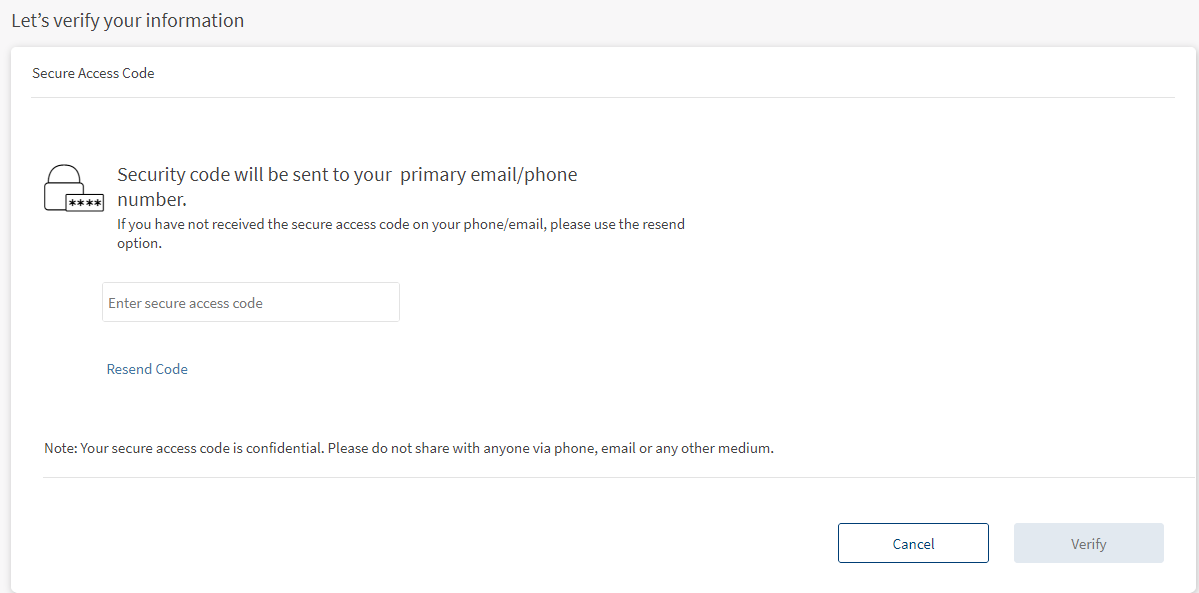
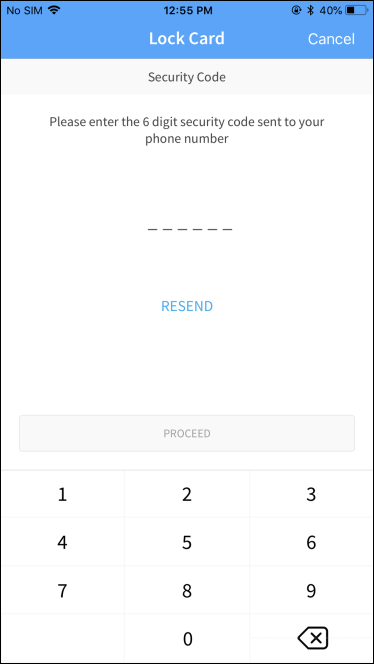
- Secure Access Code
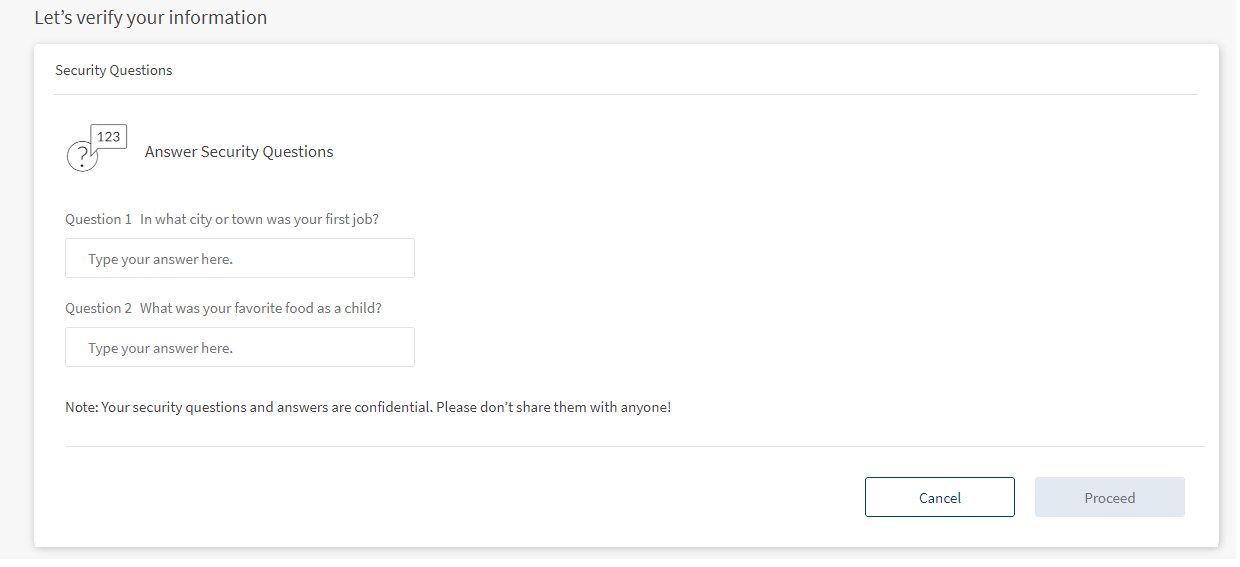
- Security Questions and Answers (applicable only for Online Banking)
OLB - Secure Access Code
OLB - Security Questions
Mobile - Secure Access Code
Sequence Diagram
Click to view/download the PDF document.
Integration with Spotlight (Customer 360)
The list of security questions that a user can choose for identity verification is fetched from Spotlight. The indication for whether the user has set up the security questions or not is also stored in the user's profile information in Spotlight. During MFA, the selected questions are fetched from the user's profile in Spotlight. See security and authentication for more information.
In this topic